
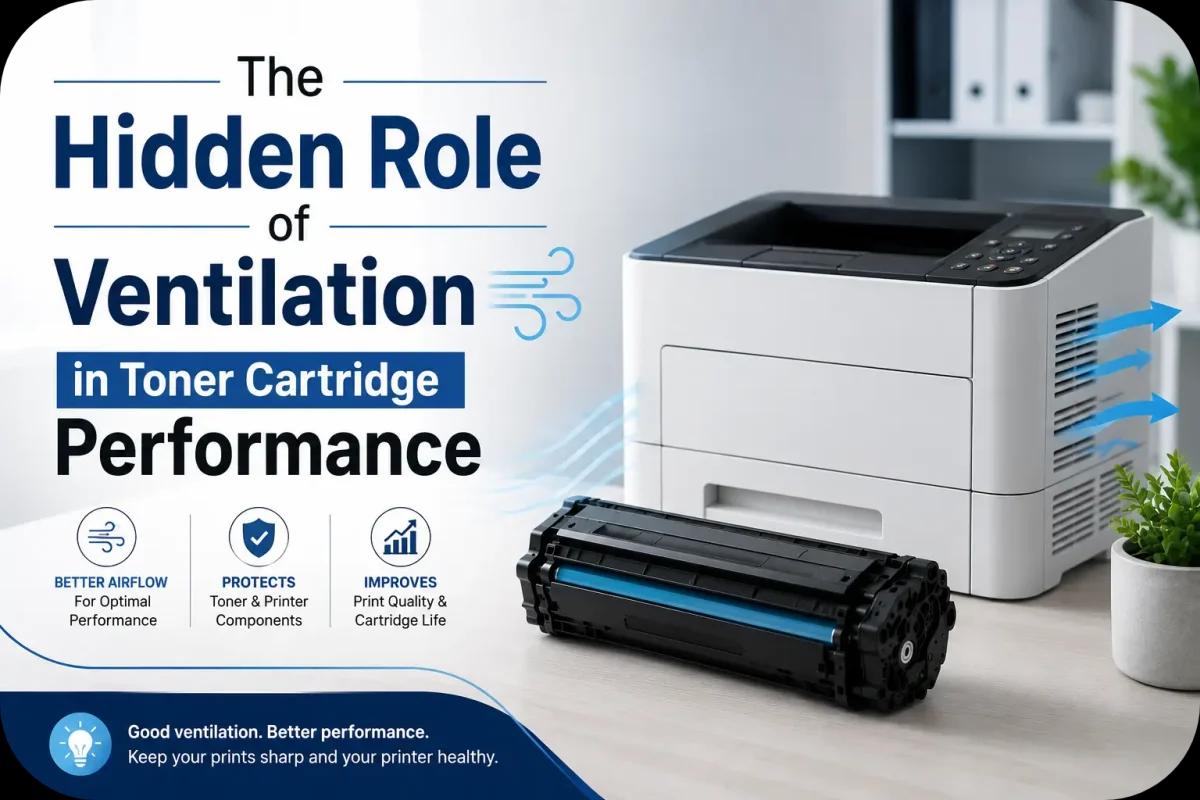
The Hidden Role of Ventilation in Toner Cartridge Performance
When businesses experience poor print quality, toner smudges, overheating, or shortened cartridge lifespan, ventilation is rarely the first thing they consider. However, proper airflow plays a surprisingly important role in toner cartridge performance and overall printer health.
Laser printers generate heat during operation, and without proper ventilation, that heat can build up inside the printer and surrounding environment. Over time, poor airflow can affect toner consistency, reduce print quality, damage internal components, and shorten the lifespan of toner cartridges.
Whether you use a printer occasionally at home or rely on high volume office printing every day, understanding the connection between ventilation and toner cartridge performance can help you avoid costly printing problems and improve long term efficiency.
Why Ventilation Matters for Toner Cartridges?
Toner cartridges contain fine powder particles that react to heat, humidity, and environmental conditions. Laser printers also use heat to fuse toner onto paper during the printing process.
Without proper ventilation:
- Excess heat can build up inside the printer
- Toner powder may clump together
- Internal components may wear down faster
- Print quality can become inconsistent
- Cartridge lifespan may decrease
Good ventilation helps regulate printer temperature and maintain stable operating conditions for toner cartridges.
How Heat Affects Toner Cartridge Performance?
Heat is one of the biggest environmental factors affecting laser printers and toner cartridges.
Toner Clumping
High temperatures can cause toner particles to stick together, leading to uneven printing and toner distribution problems.
Reduced Print Quality
Overheated printers may produce faded text, streaks, blurry prints, or smudges.
Faster Component Wear
Excessive heat can strain rollers, drum units, and cartridge components over time.
Increased Risk of Printer Errors
Poor airflow can contribute to overheating related printer malfunctions and shutdowns.
Common Ventilation Mistakes That Affect Printers
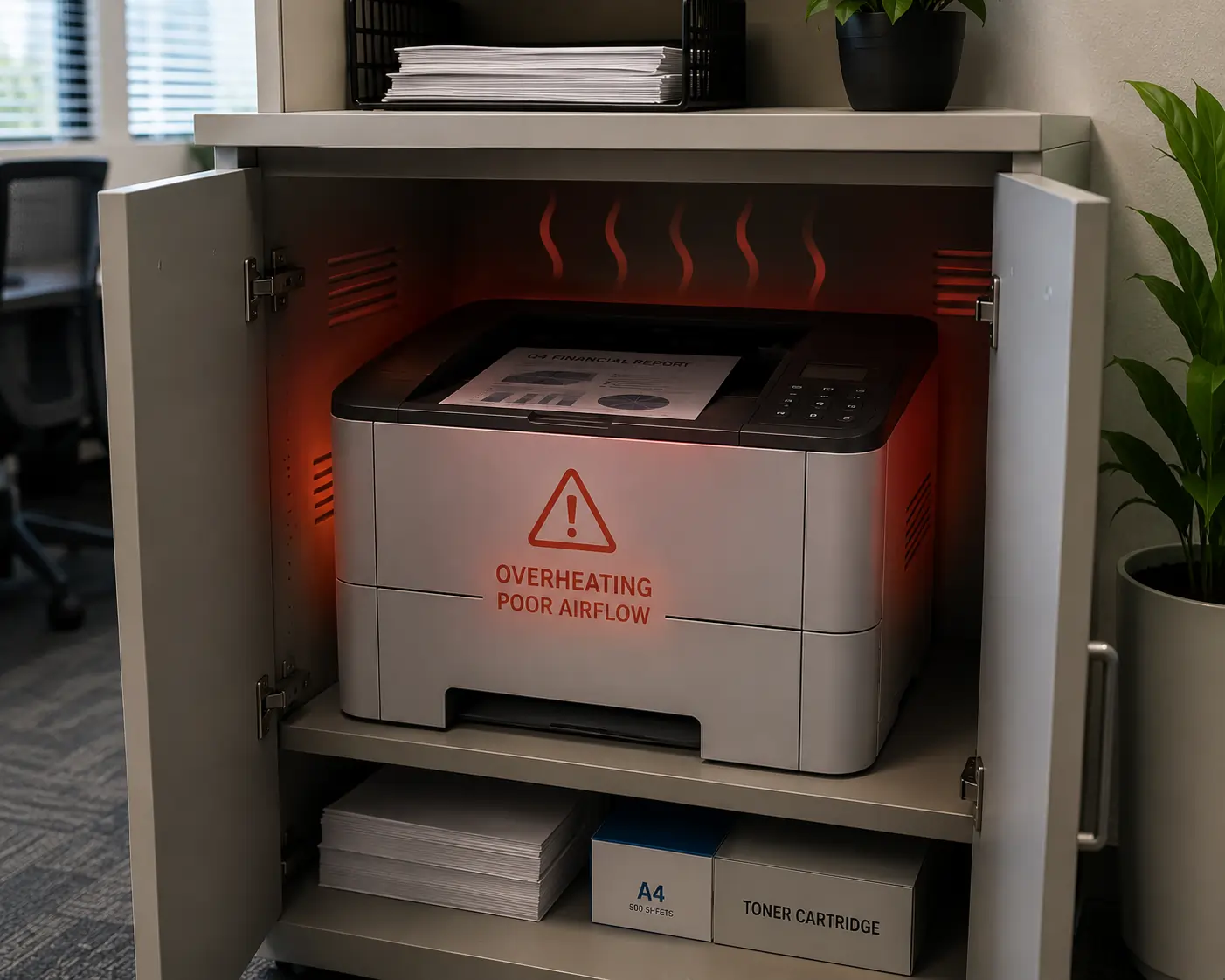
Many offices unknowingly place printers in areas with poor airflow. This can slowly impact toner cartridge performance.
Placing Printers in Tight Spaces
Printers placed inside cabinets or enclosed shelves may trap heat during operation.
Blocking Air Vents
Stacking paper, supplies, or office equipment around printers can block ventilation openings.
Operating in Hot Rooms
Warm office environments without proper cooling can increase printer temperatures significantly.
Ignoring Dust Buildup
Dust accumulation can block airflow and reduce internal cooling efficiency.
Signs Your Printer May Have Ventilation Problems
Ventilation issues often develop gradually. Some common warning signs include:
- Frequent overheating
- Toner smearing
- Faded or inconsistent prints
- Unusual printer shutdowns
- Excessive printer noise
- Warm printer surfaces
- Repeated toner cartridge problems
If these issues occur regularly, improving airflow around the printer may help resolve them.
How Proper Ventilation Improves Toner Cartridge Lifespan?
Good ventilation creates a more stable operating environment for both printers and toner cartridges.
Better Temperature Control
Consistent airflow helps prevent overheating during large print jobs.
Reduced Toner Waste
Stable temperatures help toner particles remain evenly distributed.
Improved Printer Reliability
Proper ventilation reduces stress on internal printer components.
Lower Maintenance Costs
Preventing heat related wear can reduce repair and cartridge replacement expenses.
Businesses using reliable toner cartridge supplies from providers like Toner Connect can further improve printing performance by combining quality toner products with proper printer maintenance practices.
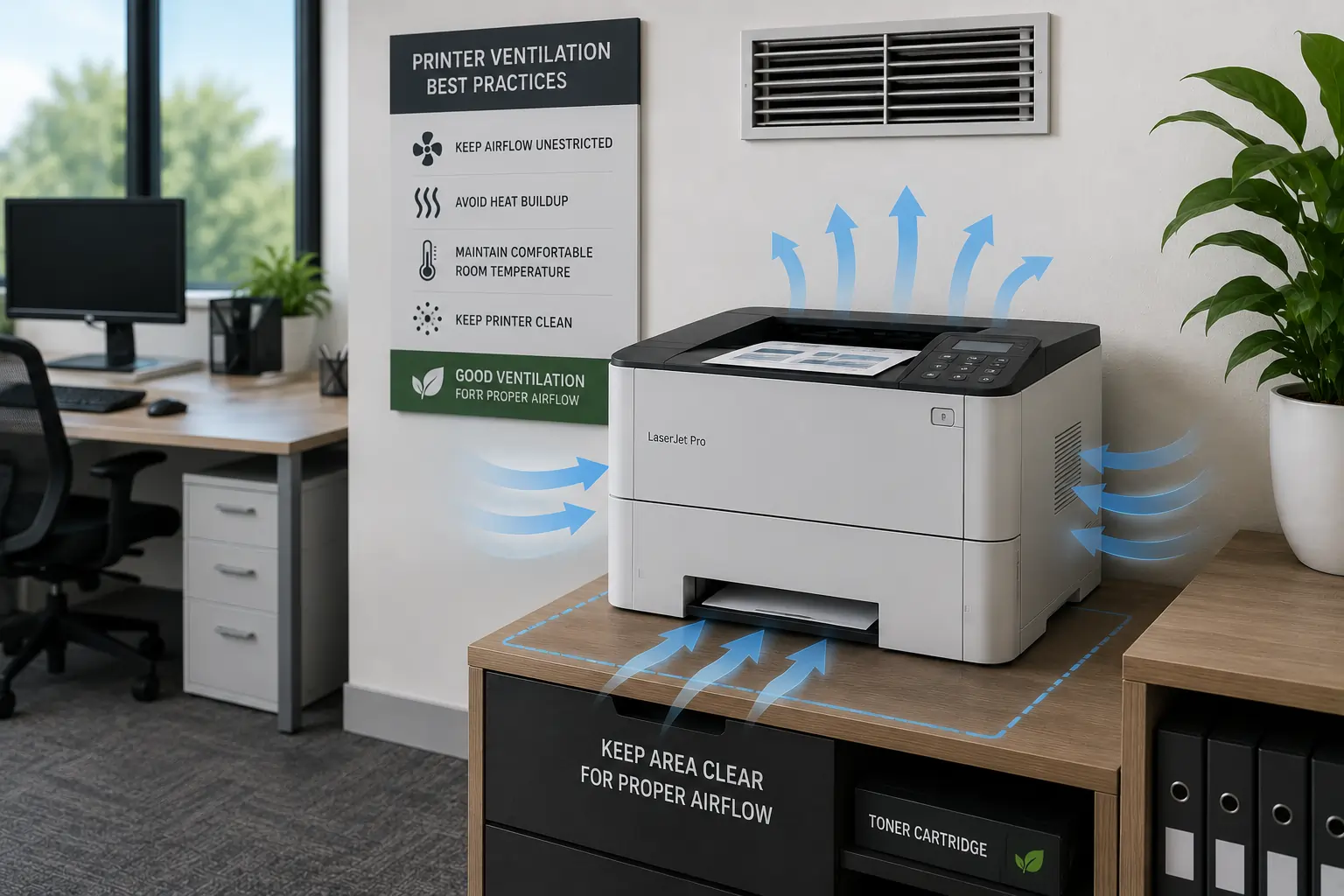
Best Ventilation Practices for Laser Printers
Improving printer ventilation does not usually require major changes. Small adjustments can make a significant difference.
Leave Space Around the Printer
Allow several inches of open space around printer vents for proper airflow.
Keep Printers in Cool Areas
Avoid placing printers near windows, heaters, or direct sunlight.
Clean Air Vents Regularly
Dust and debris should be removed from vents and surrounding surfaces regularly.
Use Climate Controlled Rooms
Temperature controlled office environments help maintain stable printing conditions.
Avoid Overworking the Printer
Allow printers to cool down during extremely large print runs when possible.
Ventilation and Modern Printing Technology
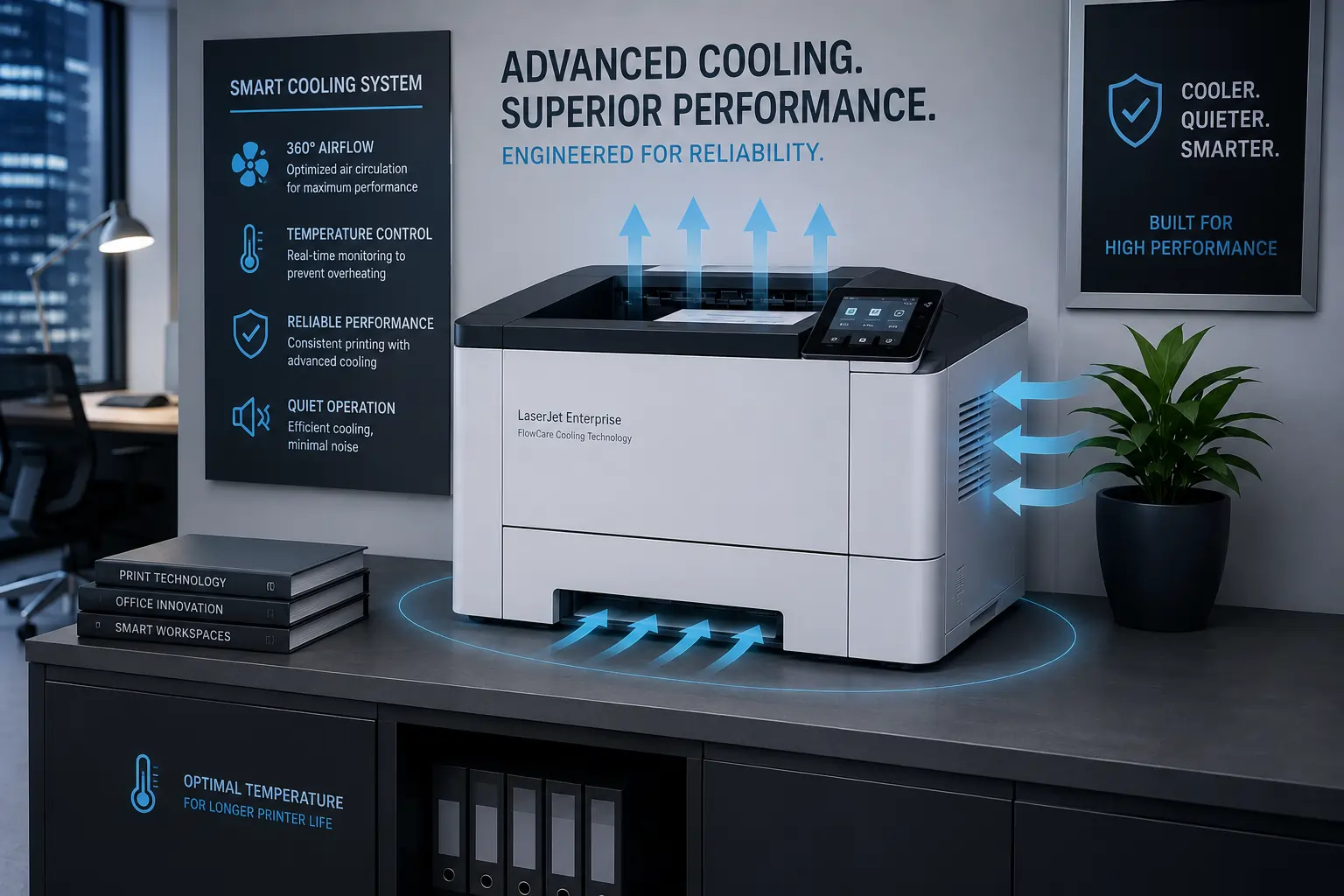
Modern printers are becoming more energy efficient and better equipped to manage internal temperatures.
Improved Cooling Systems
Newer laser printers often include more advanced airflow and cooling designs.
Energy Efficient Fusing Technology
Modern printers use lower heat settings to reduce energy consumption and overheating risks.
Smart Temperature Monitoring
Some advanced printers can monitor internal temperatures and alert users to overheating issues.
These innovations help improve toner cartridge performance while supporting more reliable office printing.
Environmental Conditions Also Matter
Ventilation works together with humidity and room temperature to affect toner cartridge performance.
Ideal Printing Conditions:
- Moderate room temperature
- Low humidity
- Clean air environment
- Stable airflow
Extreme heat or humidity combined with poor ventilation can create long term toner cartridge issues.
According to printer maintenance recommendations from HP and Brother, maintaining proper airflow around printers helps improve reliability and print consistency.
Conclusion
Ventilation may not be the first thing people think about when discussing toner cartridge performance, but it plays a critical role in maintaining print quality, printer reliability, and cartridge lifespan. Proper airflow helps control heat, reduce toner issues, and protect sensitive printer components from unnecessary wear. By improving printer ventilation and maintaining a clean operating environment, businesses and home users can keep their printing systems running more efficiently for years to come.