
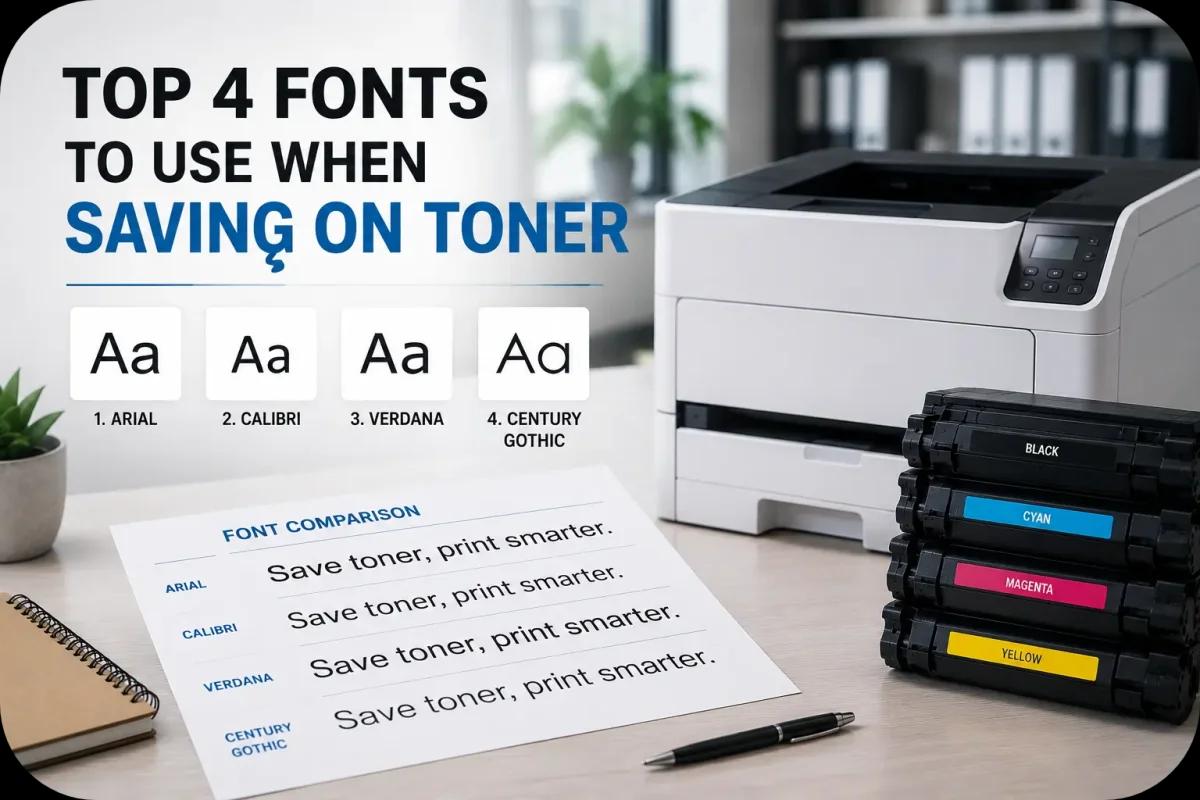
Top 4 Fonts to Use When Saving On Toner
Printing costs can add up quickly in busy offices, schools, and home workspaces. While many businesses focus on buying efficient toner cartridges or reducing unnecessary printing, few people realize that font choice can also affect toner usage significantly. Some fonts use heavier characters and thicker lines, which require more toner during printing, while others are designed to use less toner without sacrificing readability.
Choosing toner saving fonts may seem like a small adjustment, but over time it can help businesses reduce toner consumption, lower printing costs, and improve overall office efficiency. For organizations with high print volumes, even small toner savings per page can create noticeable long term cost reductions.
This guide explores the top four fonts to use when saving on toner and explains how smarter printing habits can improve office printing efficiency.
Why Fonts Affect Toner Usage?

Different fonts use different amounts of toner because of:
- Character thickness
- Letter spacing
- Font density
- Ink coverage area
Bold and Thick Fonts Use More Toner
Heavier fonts typically require:
- More toner coverage
- Denser print output
- Higher toner consumption
Lighter Fonts Help Reduce Toner Usage
Efficient fonts often feature:
- Thin lines
- Balanced spacing
- Simpler character design
Because of this, font selection can directly affect printing costs.
1. Garamond

Garamond is widely recognized as one of the best fonts for saving toner.
Thin Letter Design Uses Less Toner
Compared to heavier fonts like Arial or Times New Roman, Garamond typically uses:
- Less toner per page
- Thinner character strokes
- More efficient ink coverage
Still Professional and Readable
Garamond remains popular because it provides:
- Elegant appearance
- Strong readability
- Professional presentation
As a result, many businesses use Garamond for reports and office documents.
2. Century Gothic
Century Gothic is another toner efficient font commonly recommended for office printing.
Clean and Modern Appearance
This font offers:
- Rounded characters
- Minimalistic design
- Professional readability
Uses Less Toner in Many Print Situations
Its balanced letter structure often helps:
- Reduce toner usage
- Improve print efficiency
- Maintain document clarity
Because of this, Century Gothic works well for presentations and internal office materials.
3. Ecofont

Ecofont was specifically designed to reduce toner consumption.
Tiny Hollow Areas Reduce Toner Usage
Ecofont includes:
- Small holes inside characters
- Reduced toner coverage
- Lightweight letter construction
Designed for High Volume Printing
Businesses focused on cost reduction may use Ecofont for:
- Internal documents
- Drafts
- Everyday office printing
As a result, Ecofont remains popular in toner saving strategies.
Businesses looking for dependable toner cartridge solutions and efficient office printing support can explore products and services from Toner Connect.
4. Calibri
Calibri became widely known as a default Microsoft Office font.
Balanced Design Improves Efficiency
Calibri features:
- Smooth character shapes
- Moderate spacing
- Lightweight letter strokes
Excellent Readability for Office Use
Businesses often use Calibri for:
- Emails
- Reports
- Presentations
- Administrative documents
Because of this, Calibri balances toner savings with professional readability.
Font Size Also Affects Toner Usage
The font itself is important, but font size matters too.
Larger Fonts Use More Toner
Bigger text naturally requires:
- More toner coverage
- Larger print areas
Reasonable Font Sizes Improve Efficiency
Most office documents remain readable using:
- 10 point fonts
- 11 point fonts
- 12 point fonts
As a result, smaller yet readable formatting helps reduce toner waste.
Use Draft Mode for Additional Toner Savings

Printer settings also affect toner usage.
Draft Mode Reduces Toner Density
Draft settings help:
- Lower toner consumption
- Extend cartridge lifespan
- Improve printing efficiency
Best for Internal Documents
Draft mode works well for:
- Internal memos
- Temporary drafts
- Everyday office paperwork
Because of this, combining toner saving fonts with draft mode increases overall savings.
Reduce Unnecessary Bold and Dark Formatting
Formatting choices influence toner usage more than many users realize.
Excessive Bold Text Uses More Toner
Heavy formatting may increase:
- Toner consumption
- Print density
- Cartridge wear
Simpler Formatting Improves Efficiency
Businesses can reduce toner use by limiting:
- Large dark graphics
- Excessive bold text
- Heavy shading
As a result, cleaner document design supports toner savings.
Digital Workflows Can Further Reduce Printing Costs
Many businesses now combine toner saving strategies with digital workflows.
Reduce Unnecessary Printing
Businesses can:
- Share digital files
- Use cloud storage
- Approve documents electronically
Smarter Printing Habits Improve Efficiency
Monitoring print habits helps:
- Reduce waste
- Lower toner expenses
- Improve office sustainability
Because of this, modern offices increasingly focus on print optimization.
High Quality Toner Still Matters
Even with toner saving fonts, toner quality remains important.
Reliable Toner Produces Cleaner Results
High quality toner helps maintain:
- Sharp text
- Consistent print quality
- Better page yield
Poor Quality Toner May Offset Savings
Low quality toner may cause:
- Smudges
- Uneven printing
- Wasted pages
As a result, combining efficient fonts with reliable toner supplies produces the best results.
Modern Printing Technology Supports Toner Efficiency
Modern printers now include:
- Toner saving modes
- Print analytics
- Smart toner monitoring
- Automated print optimization
These technologies help businesses improve printing efficiency while lowering operational costs.
According to HP and Canon printing resources, smarter print settings, efficient formatting, and proper toner management all contribute to reducing office printing expenses.
Conclusion
Saving on toner involves more than simply replacing cartridges less often. Font choice, formatting habits, print settings, and smarter office workflows all play important roles in reducing toner usage and lowering printing costs. By using efficient fonts like Garamond, Century Gothic, Ecofont, and Calibri, businesses can improve print efficiency while maintaining professional document quality and more sustainable office printing practices.