
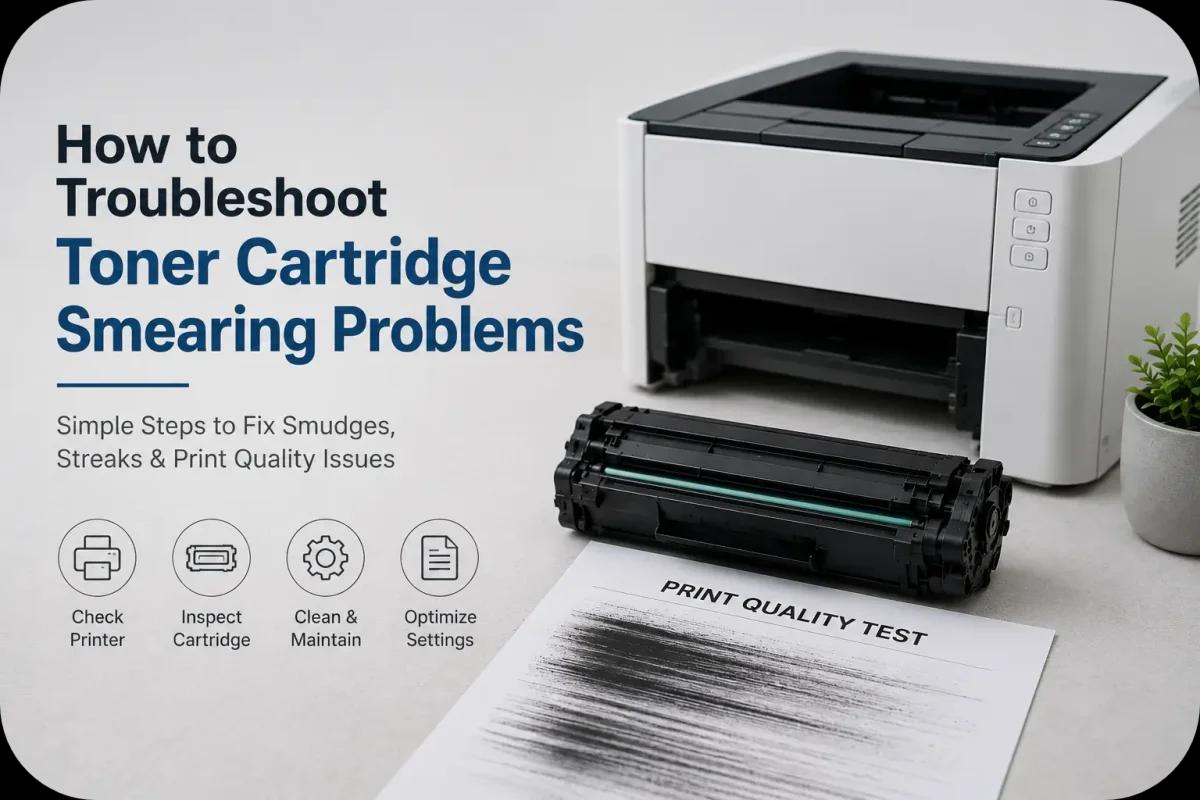
How to Troubleshoot Toner Cartridge Smearing Problems?
Toner cartridge smearing is one of the most frustrating print quality issues faced by laser printer users. Smudged text, streaked graphics, and dirty pages can make documents look unprofessional and difficult to read. Whether you use a laser printer at home or in a busy office, toner smearing can interrupt workflow and increase maintenance costs if left unresolved.
Fortunately, most toner cartridge smearing problems can be identified and fixed with proper troubleshooting. From dirty printer components and worn cartridges to humidity and incorrect printer settings, several factors can contribute to smearing issues.
Understanding the causes of toner cartridge smearing can help users restore clean, sharp, and professional quality printing.
What Is Toner Cartridge Smearing?
Toner cartridge smearing happens when toner does not properly bond to the paper during the printing process. Instead of producing clean and dry prints, toner may smear, streak, or rub off the page.
Smearing can appear as:
- Black streaks across pages
- Smudged text or graphics
- Toner marks on page edges
- Repeated ghost images
- Toner rubbing off after printing
These issues often indicate problems with the toner cartridge, printer components, or environmental conditions.
Common Causes of Toner Cartridge Smearing
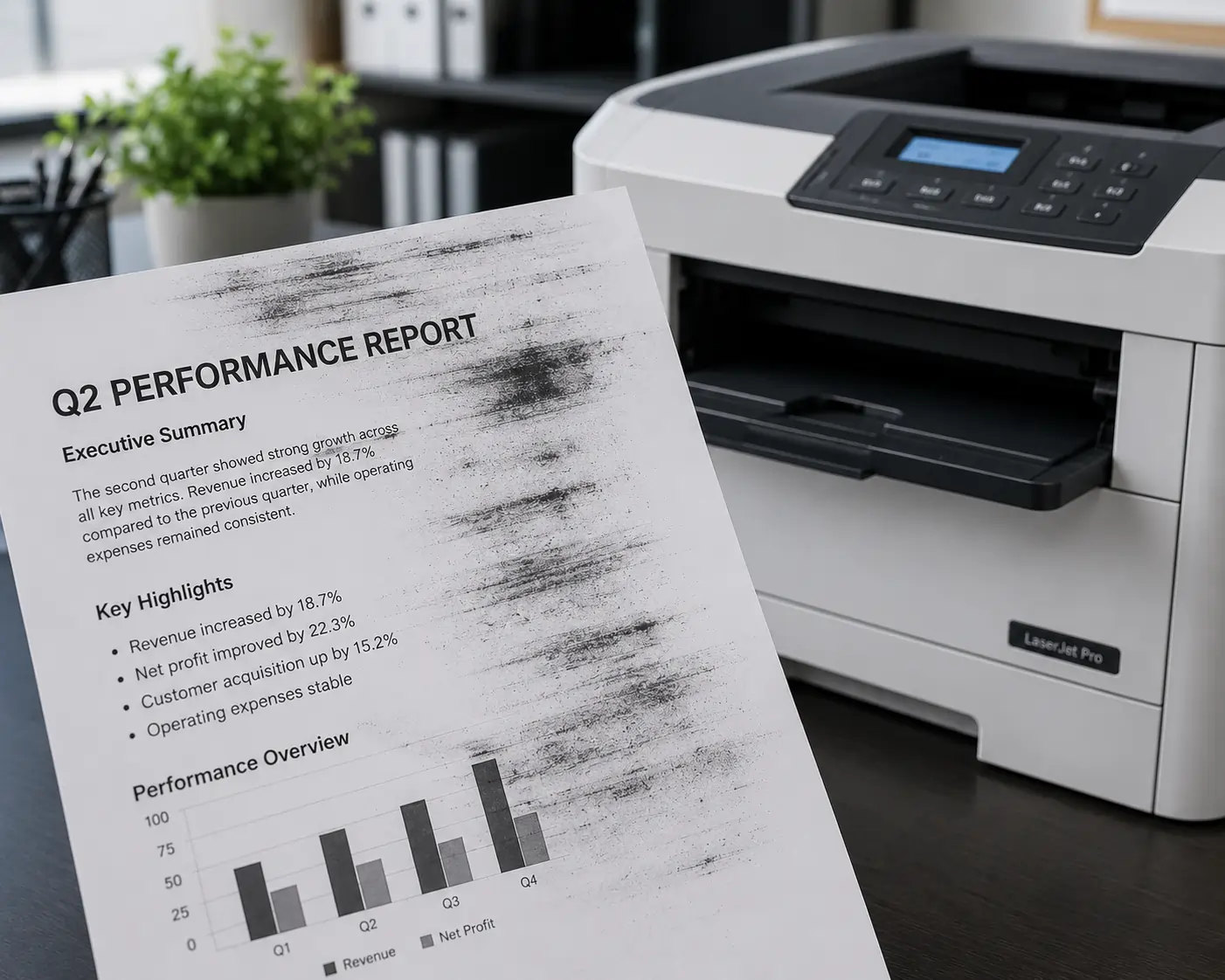
Several factors can contribute to toner smearing problems.
Low Quality or Damaged Toner Cartridges
Faulty cartridges may use poor quality toner powder or damaged internal components.
Dirty Printer Components
Dust, toner buildup, and debris inside the printer can interfere with toner transfer.
Worn Fuser Unit
The fuser uses heat to bond toner onto paper. If it becomes damaged or worn out, toner may not fuse correctly.
High Humidity
Excess moisture in the air can affect toner consistency and paper performance.
Incorrect Paper Type
Paper that is too thick, too thin, or not designed for laser printers may contribute to smearing.
Improper Printer Settings
Using incorrect print settings can affect toner application and fusing temperatures.
Signs Your Toner Cartridge Is Causing Smearing Problems
Recognizing the warning signs early can help prevent larger printing issues.
Common Symptoms:
- Toner smudges when touched
- Repeated marks on multiple pages
- Uneven toner distribution
- Dirty page backgrounds
- Toner buildup inside the printer
- Faded or blurry print output
If these symptoms appear consistently, troubleshooting should begin immediately.
Step by Step Troubleshooting for Toner Cartridge Smearing
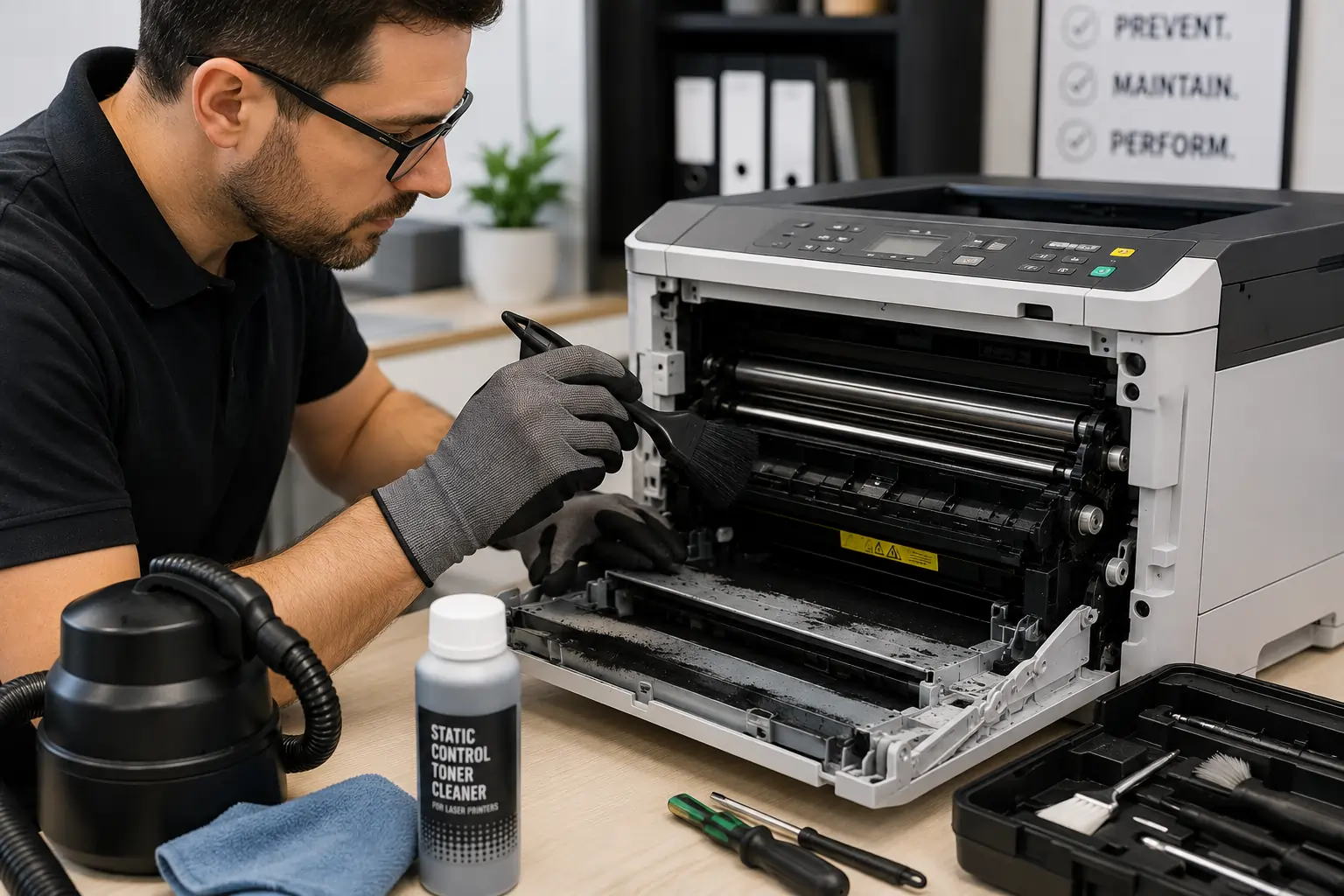
Inspect the Toner Cartridge
Remove the cartridge carefully and check for:
- Toner leaks
- Visible damage
- Loose toner buildup
- Cracked cartridge housing
If the cartridge appears damaged, replacement may be necessary.
Clean the Printer Interior
Loose toner and dust inside the printer can contribute to smearing.
Use:
- A dry lint free cloth
- Toner safe vacuum equipment
- Manufacturer recommended cleaning tools
Avoid using water directly on toner powder.
Check the Fuser Unit
A worn or malfunctioning fuser often causes toner to rub off printed pages.
Signs of fuser problems include:
- Toner easily smearing by hand
- Repeated ghost images
- Wrinkled pages
Replacing the fuser may resolve persistent smearing issues.
Verify Paper Compatibility
Always use paper designed for laser printers and avoid damp or low quality paper.
Adjust Printer Settings
Some printers allow users to modify:
- Paper type settings
- Print density
- Temperature settings
- Print quality modes
Correct settings help optimize toner bonding.
How Humidity and Heat Affect Toner Smearing?
Environmental conditions play a major role in print quality.
High Humidity
Moisture can affect:
- Toner adhesion
- Paper texture
- Internal printer components
Excessive Heat
Heat may alter toner consistency and affect cartridge performance.
Poor Ventilation
Limited airflow around printers can increase internal temperatures during heavy printing.
Maintaining stable room conditions helps reduce smearing problems.
Preventive Maintenance Helps Reduce Smearing
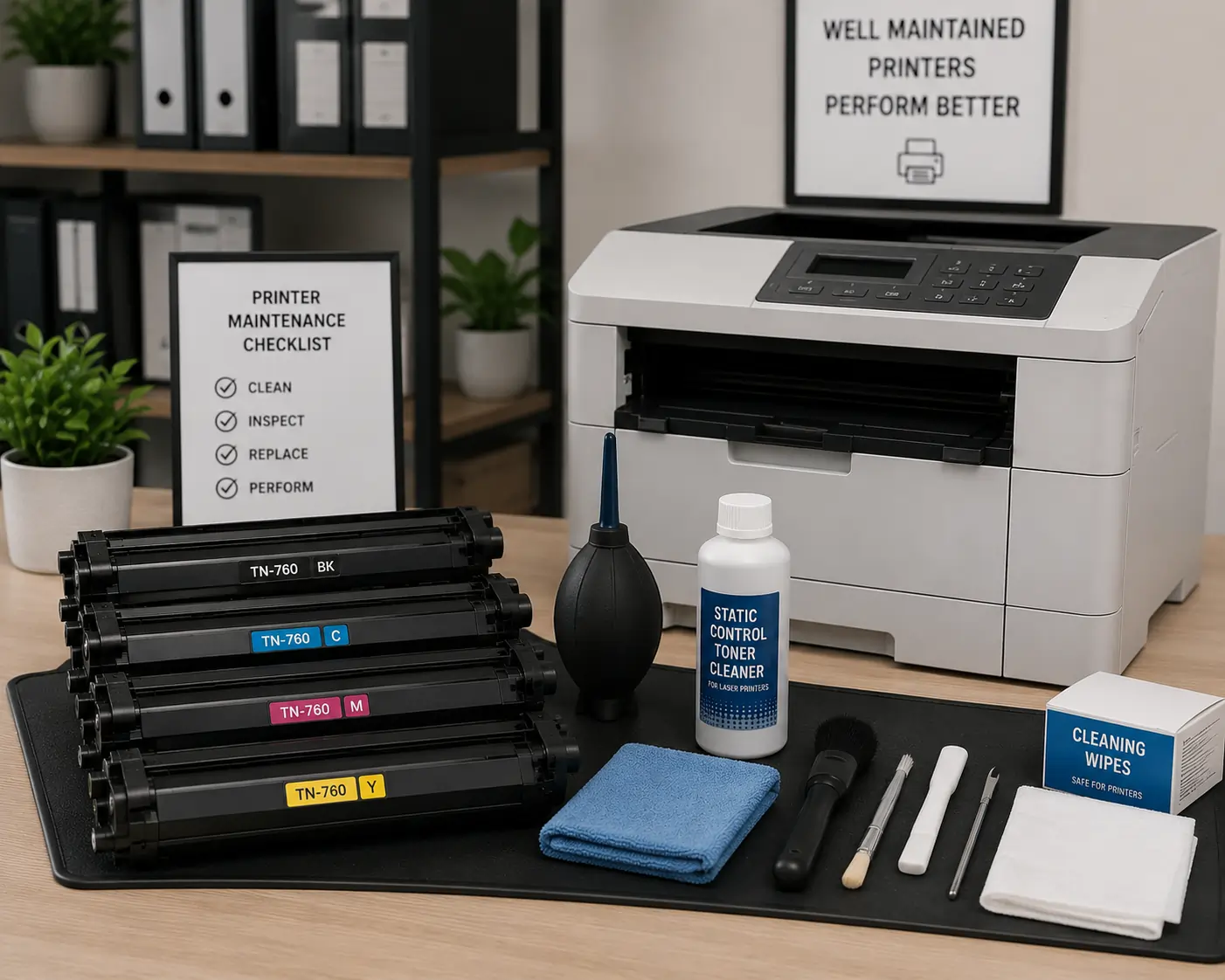
Routine printer maintenance is one of the best ways to prevent toner cartridge smearing.
Clean the Printer Regularly
Removing toner dust and debris helps maintain consistent print quality.
Replace Worn Components
Old rollers, drums, and fuser units may contribute to smearing.
Store Toner Cartridges Properly
Avoid exposing cartridges to:
- Heat
- Humidity
- Direct sunlight
Use Quality Toner Cartridges
Reliable toner cartridges help reduce toner distribution and compatibility issues.
Businesses and home users can explore dependable toner solutions from Toner Connect for compatible toner cartridges designed for consistent print performance.
OEM vs Compatible Toner Cartridges and Smearing Issues
Both OEM and compatible cartridges can perform well when sourced from reliable suppliers.
OEM Cartridges
Advantages:
- Guaranteed compatibility
- Consistent toner quality
- Reliable manufacturer support
Compatible Cartridges
Advantages:
- Lower printing costs
- Wide availability
- Competitive performance
Low quality counterfeit cartridges are more likely to cause smearing and printer problems.
When to Replace the Toner Cartridge?
Sometimes troubleshooting alone may not fully resolve smearing problems.
You may need a replacement cartridge if:
- Smearing continues after cleaning
- Toner leaks are visible
- Cartridge components are damaged
- Print quality remains inconsistent
Replacing old or damaged cartridges can restore print performance quickly.
Modern Printing Technology Is Improving Smear Prevention
Newer laser printers and toner cartridges include improved technologies designed to reduce smearing.
Modern Innovations Include:
- Better toner formulas
- Smarter toner flow systems
- Improved fuser efficiency
- Enhanced print calibration
- Automatic print optimization
These advancements help businesses maintain cleaner and more reliable printing.
According to HP and Brother printer support resources, regular maintenance and proper toner cartridge selection are essential for reducing toner smearing problems.
Conclusion
Toner cartridge smearing problems can affect print quality, damage professional documents, and increase printer maintenance costs. Fortunately, many smearing issues can be resolved through proper troubleshooting, regular printer maintenance, correct paper usage, and quality toner cartridges. By identifying the root causes early and following proper maintenance practices, users can maintain cleaner, sharper, and more reliable printing performance.