
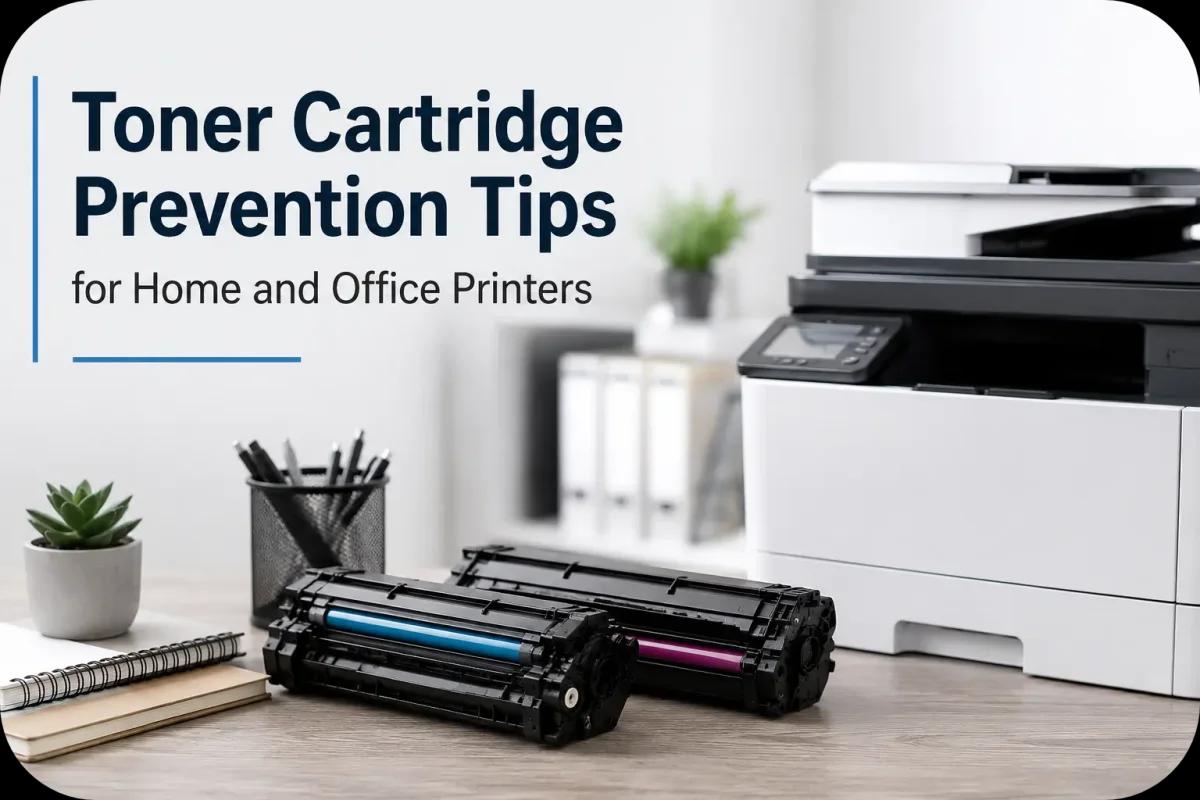
Toner Cartridge Prevention Tips for Home and Office Printers
Toner cartridge problems can interrupt printing, reduce print quality, and increase maintenance costs for both home users and businesses. From toner leaks and smudged prints to cartridge errors and printer downtime, many common printing issues begin with poor cartridge care and improper printer maintenance.
Fortunately, most toner cartridge problems are preventable. By following simple prevention tips, users can improve printer performance, extend cartridge lifespan, and maintain cleaner, more reliable printing results.
Whether you print occasionally at home or manage heavy office printing every day, understanding proper toner cartridge prevention practices helps reduce unnecessary printing problems and keeps your printer operating smoothly.
Why Toner Cartridge Prevention Matters?
Laser printers depend on toner cartridges working properly to produce sharp and consistent prints. However, poor handling, dust buildup, heat exposure, and incorrect cartridge usage can create avoidable problems over time.
Common issues caused by poor toner cartridge care include:
- Faded prints
- Toner leaks
- Printer smudging
- Cartridge recognition errors
- Paper jams
- Reduced print quality
- Printer component damage
Because of this, preventive maintenance helps reduce repair costs and improve long term printer reliability.
Store Toner Cartridges Properly
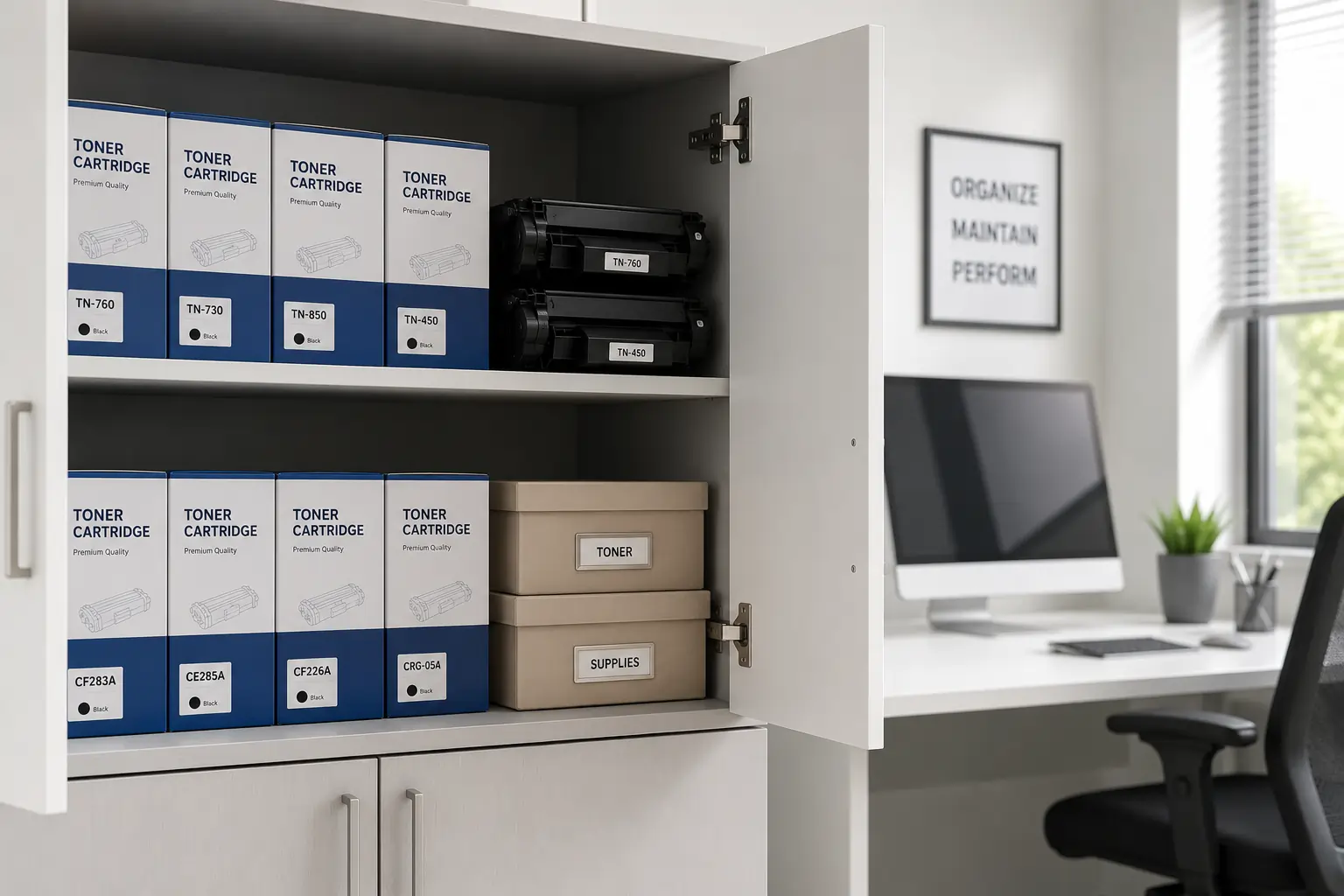
Proper storage is one of the most important toner cartridge prevention tips.
Keep Cartridges Away from Heat
Excessive heat may damage toner consistency and weaken cartridge seals. Therefore, users should avoid storing toner cartridges near windows, heaters, or hot office equipment.
Avoid Humid Environments
Humidity can affect toner powder and paper quality. As a result, moisture may contribute to toner clumping and smearing problems.
Use Original Packaging
Manufacturers design cartridge packaging to protect toner from dust, sunlight, and physical damage.
Store Cartridges Flat
Keeping cartridges in their recommended position helps maintain proper toner distribution.
Handle Toner Cartridges Carefully
Improper handling often causes toner leaks and print quality issues.
Avoid Dropping Cartridges
Even small impacts can crack cartridge housing or damage internal parts.
Do Not Touch the Drum Surface
The drum unit is highly sensitive. Fingerprints or scratches may reduce print quality immediately.
Shake Cartridges Gently
Although gentle shaking may help redistribute toner, aggressive shaking can damage seals and internal components.
Install Cartridges Correctly
Forcing cartridges into the printer can damage alignment points and create compatibility problems.
Keep the Printer Clean
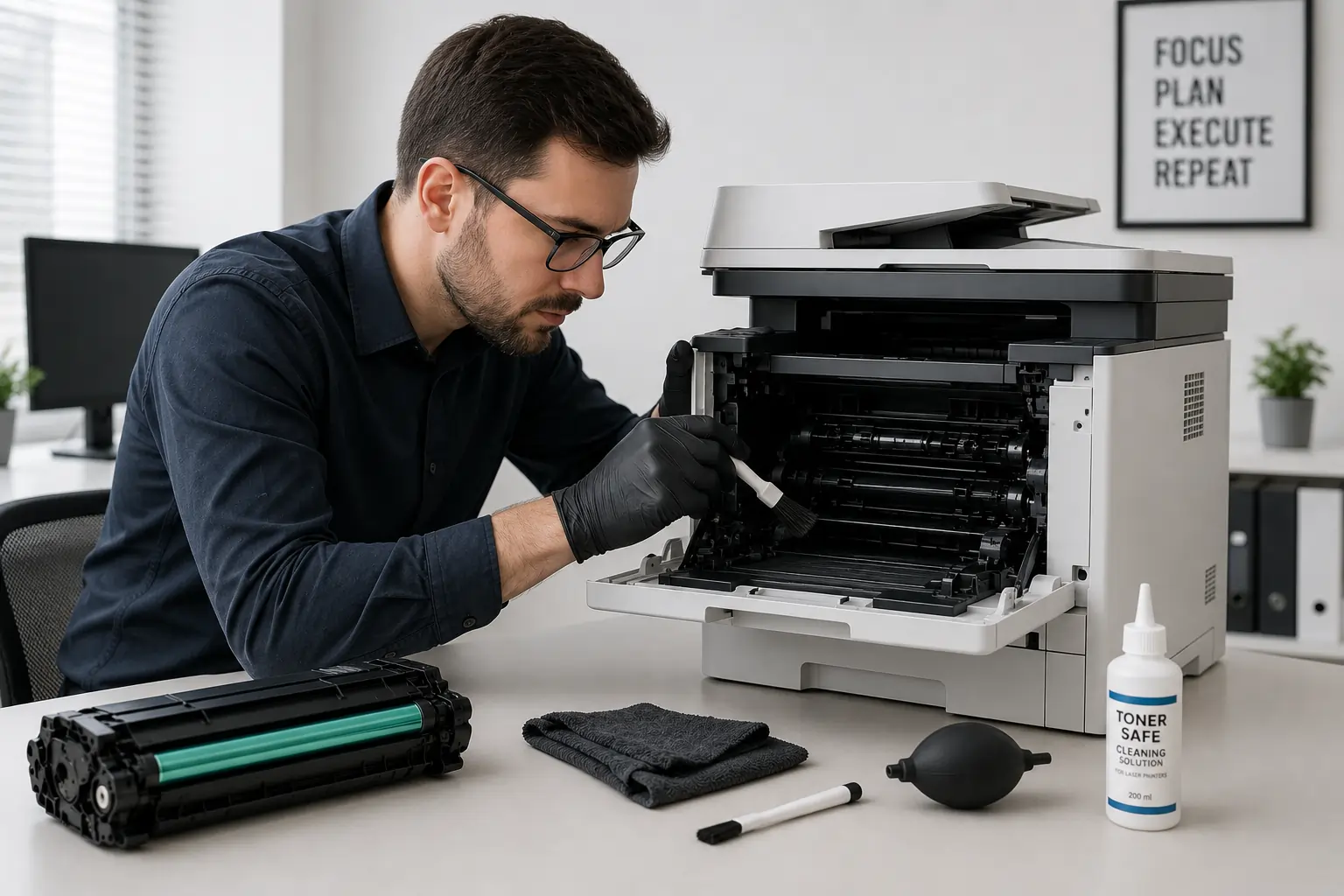
Clean printers experience fewer toner cartridge problems.
Remove Dust Regularly
Dust and toner buildup inside the printer may affect rollers, sensors, and toner transfer systems.
Clean Loose Toner Carefully
Use:
- Dry lint free cloths
- Toner safe vacuums
- Manufacturer approved cleaning tools
However, avoid using water directly on toner powder.
Inspect Printer Rollers
Dirty rollers may contribute to paper jams and uneven toner transfer.
Regular cleaning helps maintain smoother printer operation.
Use Quality Toner Cartridges
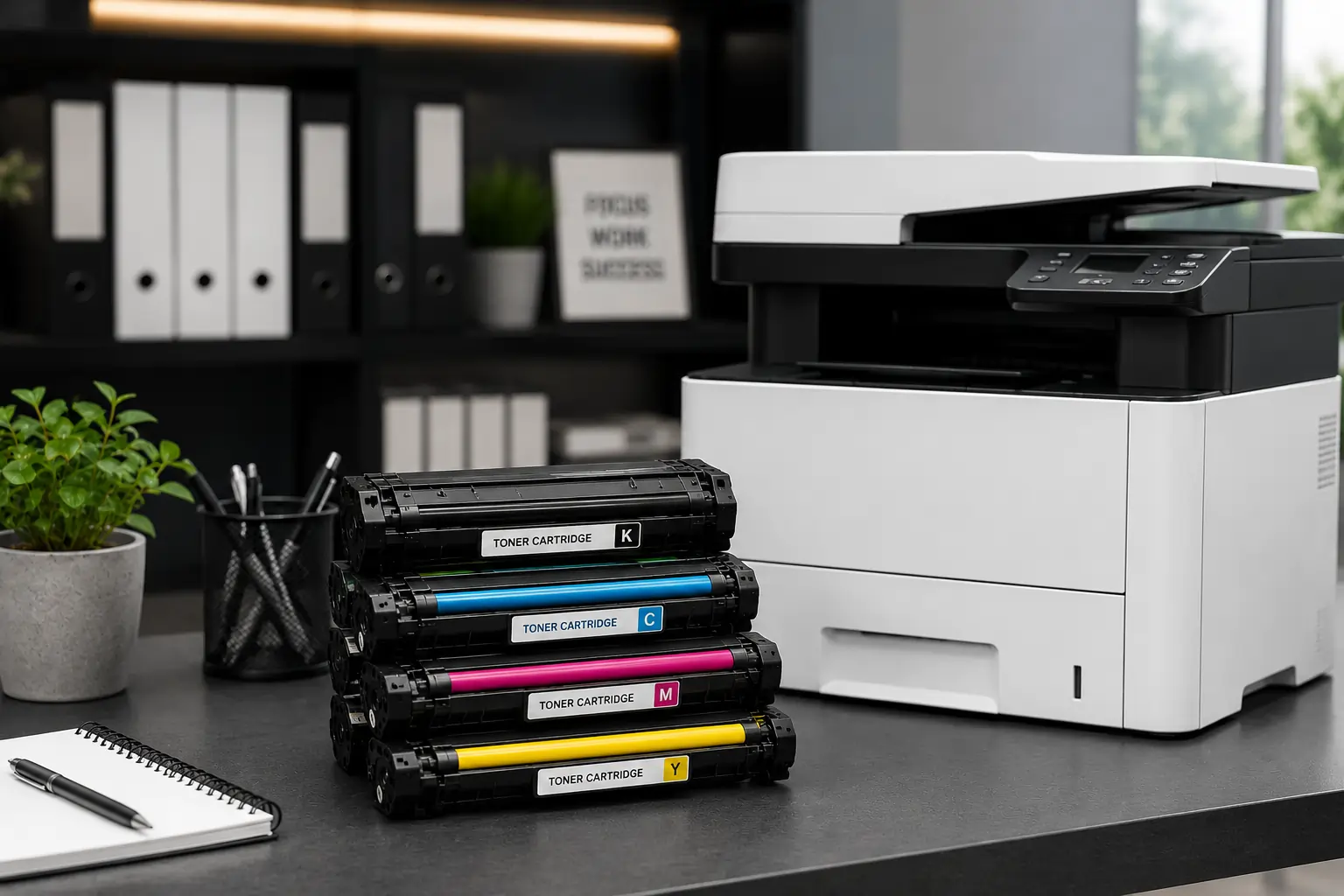
Low quality or counterfeit toner cartridges often create preventable printing problems.
Choose Reliable Suppliers
Trusted toner suppliers help reduce:
- Cartridge leaks
- Smudging
- Compatibility issues
- Print defects
Verify Cartridge Compatibility
Always confirm that the cartridge matches your printer model before installation.
Avoid Counterfeit Products
Counterfeit cartridges may damage printer components and reduce print quality.
Businesses and home users looking for dependable printing supplies can explore toner cartridge options from Toner Connect.
Prevent Common Print Quality Problems
Many print quality issues can be avoided through regular maintenance and proper printer settings.
Use Laser Printer Paper
Paper designed for laser printers helps improve toner bonding and reduce smearing.
Replace Worn Components
Old rollers, drums, and fuser units may affect print consistency.
Monitor Toner Levels
Low toner levels can lead to faded prints and uneven toner distribution.
Print Regularly
Long periods without printing may allow toner to settle unevenly inside the cartridge.
Therefore, occasional printer use helps maintain cartridge performance.
Protect Printers from Environmental Damage
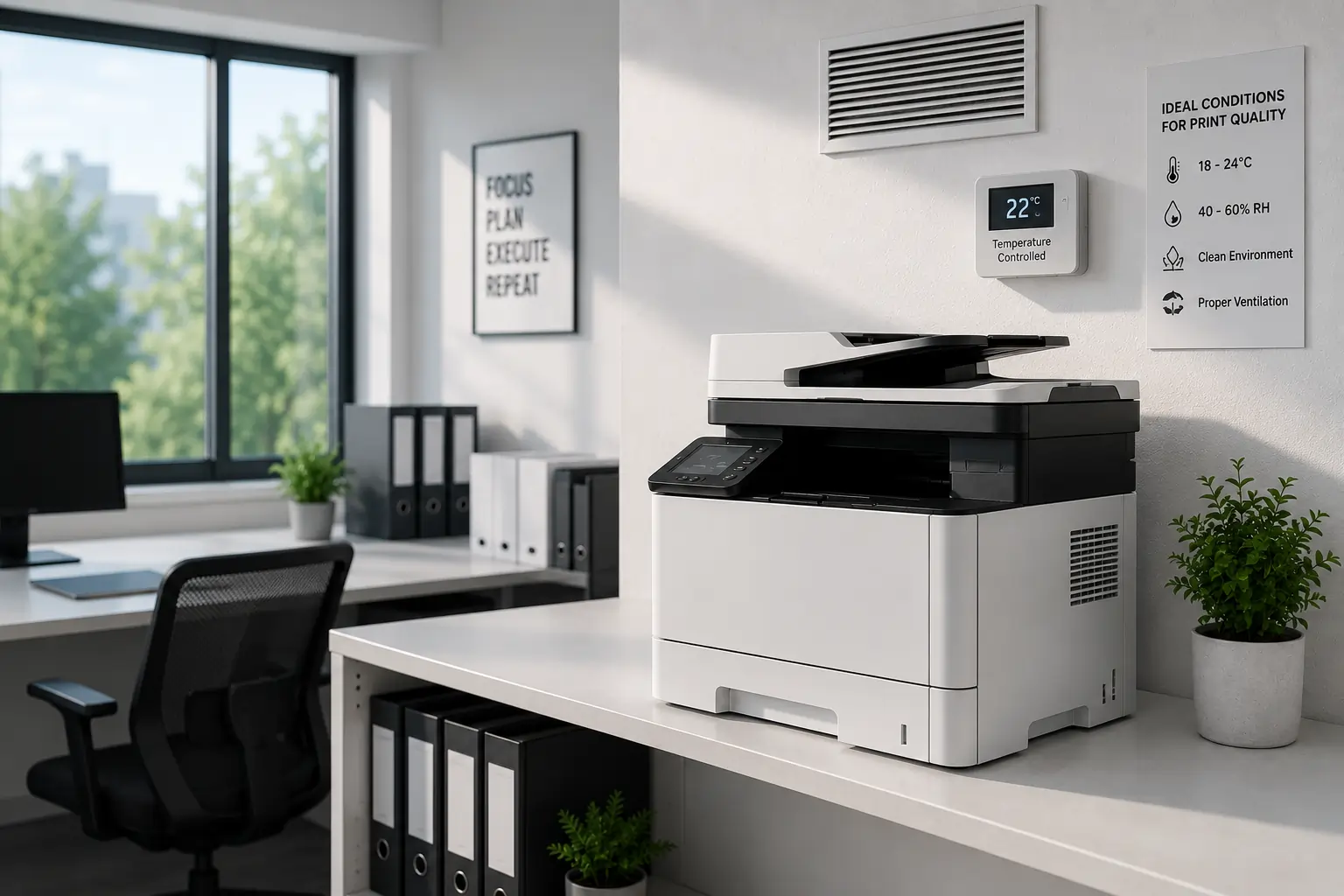
Environmental conditions directly affect toner cartridge performance.
Maintain Good Ventilation
Proper airflow helps reduce internal printer heat buildup during large print jobs.
Avoid Direct Sunlight
Sunlight may increase internal cartridge temperatures and affect toner quality.
Keep the Printer in Stable Temperatures
Extreme temperature changes may affect both cartridges and internal printer components.
As a result, stable office conditions support better print reliability.
Common Toner Cartridge Prevention Mistakes
Some users unintentionally create toner cartridge problems through poor maintenance habits.
Ignoring Warning Messages
Printer alerts often identify cartridge issues early.
Delaying Cartridge Replacement
Using heavily worn cartridges may damage internal printer components.
Using Incorrect Cartridges
Incompatible cartridges can trigger printer errors and poor print quality.
Skipping Printer Maintenance
Without regular cleaning, toner buildup can gradually affect printer performance.
Because of this, preventive care remains important for both home and office printing.
Benefits of Toner Cartridge Prevention
Preventive maintenance offers several long term benefits.
Better Print Quality
Clean cartridges and printers help produce sharper and more consistent prints.
Lower Maintenance Costs
Fewer repairs and replacements help reduce operating expenses.
Longer Printer Lifespan
Well maintained printers experience less internal wear over time.
Improved Office Productivity
Reliable printers reduce workflow interruptions and printing delays.
Therefore, simple prevention habits can improve overall printing efficiency significantly.
Modern Printing Technology Supports Better Prevention
Modern laser printers now include smart features that help prevent toner cartridge problems.
Features Include:
- Toner level monitoring
- Cartridge compatibility alerts
- Maintenance notifications
- Print quality diagnostics
- Smart troubleshooting systems
These technologies help users identify problems early before major printer damage occurs.
According to HP and Brother printer maintenance resources, proper cartridge handling and regular printer care remain essential for long term printing performance.
Conclusion
Toner cartridge prevention starts with proper handling, smart storage, regular maintenance, and quality printing supplies. By following simple prevention practices, home users and businesses can reduce printer problems, improve print quality, and extend the lifespan of both toner cartridges and printers. In addition, preventive care helps lower maintenance costs while supporting smoother and more reliable printing performance.