
Easy Ways to Protect Toner Cartridges in Busy Office Environments
In busy office environments, toner cartridges go through constant use. Employees print reports, contracts, invoices, presentations, and large document batches daily, which puts heavy demand on printers and toner supplies. Without proper handling and storage, toner cartridges can become damaged, leak toner, lose print quality, or fail earlier than expected.
Fortunately, protecting toner cartridges does not require complicated maintenance routines. A few simple office habits can help businesses extend cartridge lifespan, reduce printing problems, and lower overall printing costs. Proper toner cartridge protection also improves workflow efficiency and helps prevent unnecessary office downtime.
This guide explains easy ways to protect toner cartridges in busy office environments while maintaining reliable and professional printing performance.
Store Toner Cartridges Properly
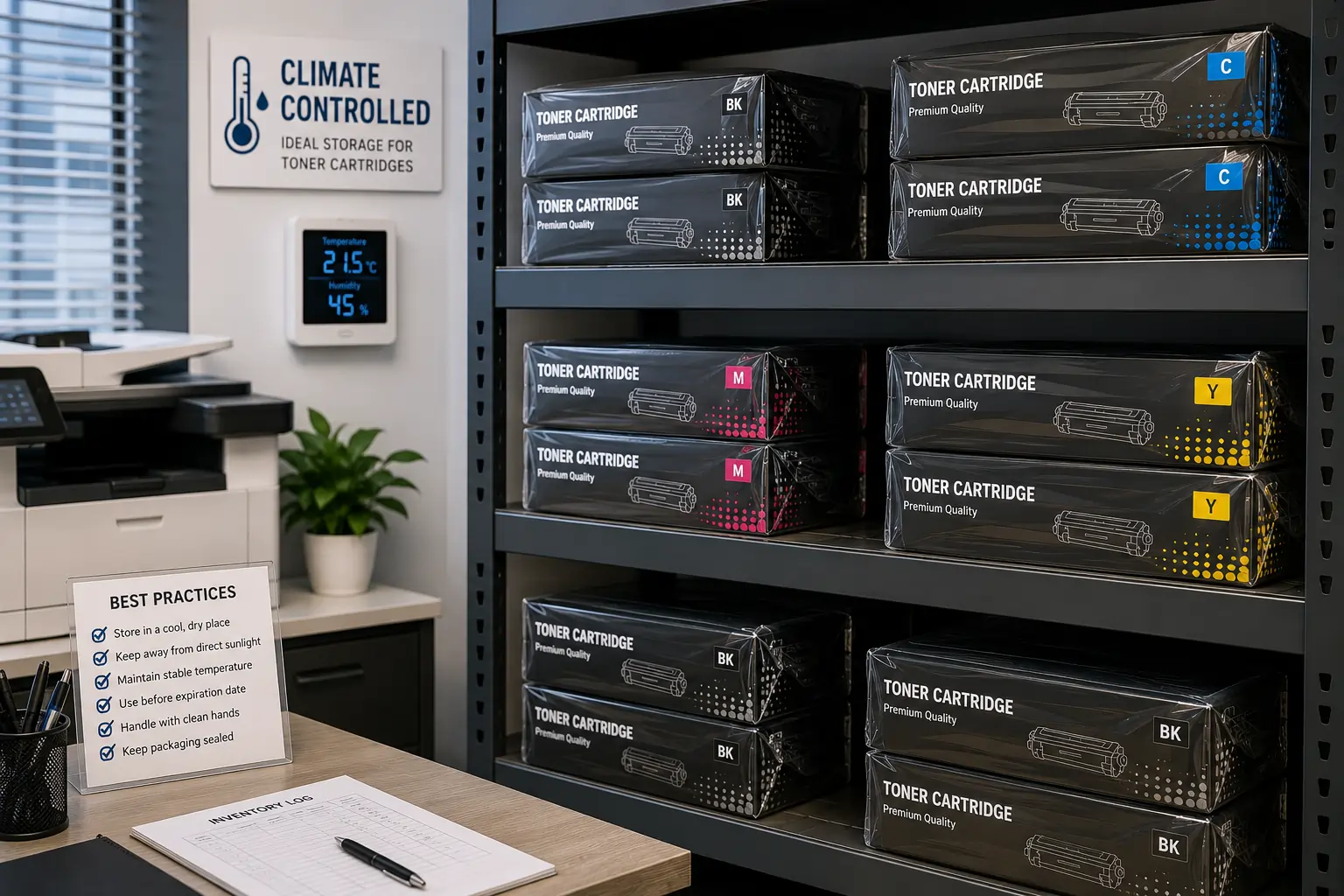
Proper storage is one of the most important ways to protect toner cartridges.
Keep Cartridges Away From Heat and Humidity
Environmental exposure may affect:
- Toner consistency
- Cartridge seals
- Internal components
- Print quality
Store Cartridges in Original Packaging
Original packaging helps protect cartridges from:
- Dust
- Moisture
- Physical damage
- Light exposure
Because of this, proper storage conditions help preserve toner performance before installation.
Handle Toner Cartridges Carefully
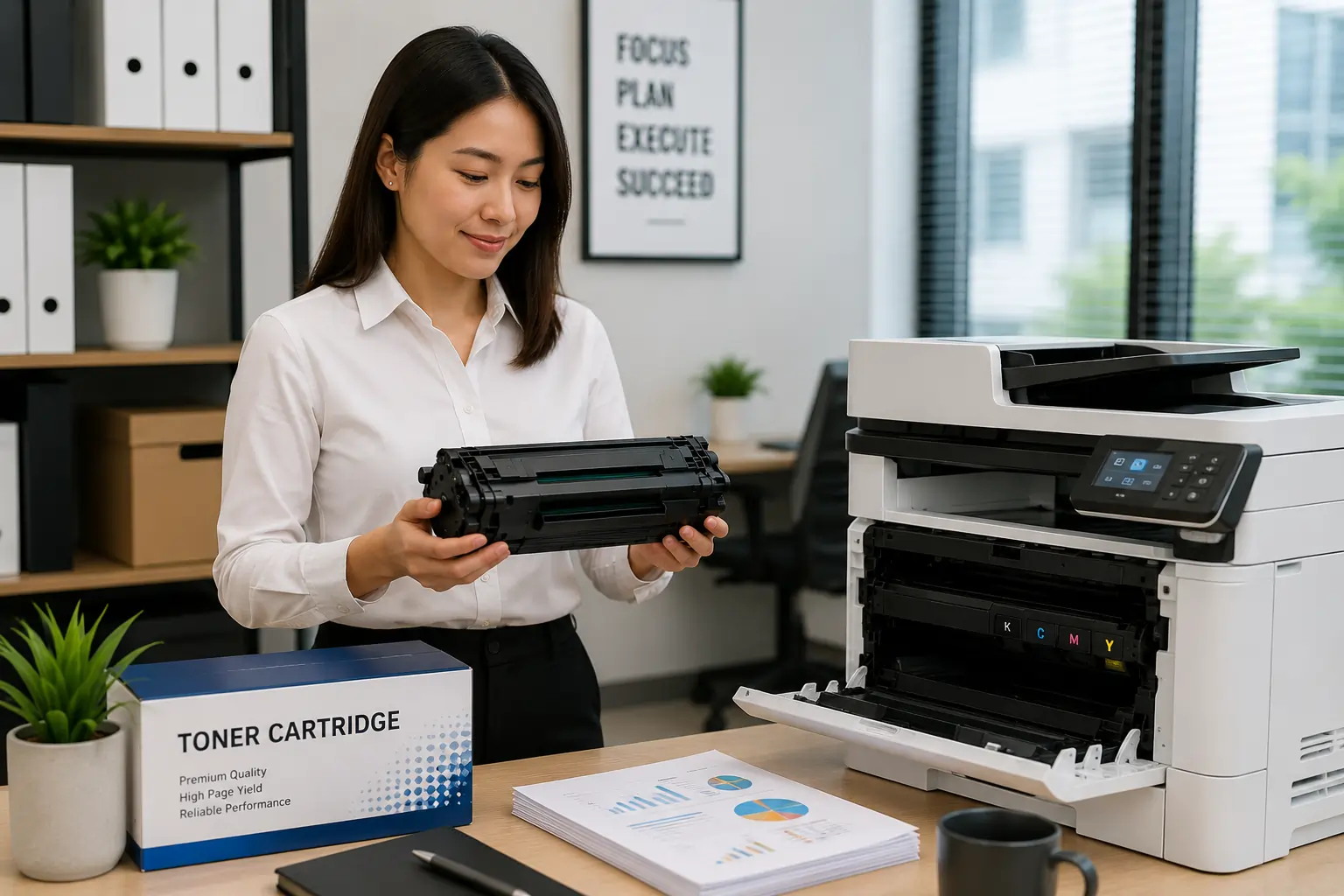
Busy offices often move toner supplies frequently, increasing the risk of accidental damage.
Avoid Dropping Cartridges
Physical impact may damage:
- Cartridge housing
- Internal gears
- Drum components
- Smart chips
Hold Cartridges by Designated Grip Areas
Most cartridges include safe handling points designed to reduce pressure on sensitive components.
As a result, careful handling helps reduce cartridge failures and toner leaks.
Limit Excessive Cartridge Shaking
Many employees shake toner cartridges aggressively when toner levels appear low.
Gentle Movement Is Enough
Light side to side movement may help redistribute toner temporarily.
Aggressive Shaking Can Cause Problems
Rough handling may lead to:
- Toner leaks
- Broken seals
- Internal damage
- Uneven toner distribution
Because of this, offices should encourage careful toner handling practices.
Keep Printers Clean
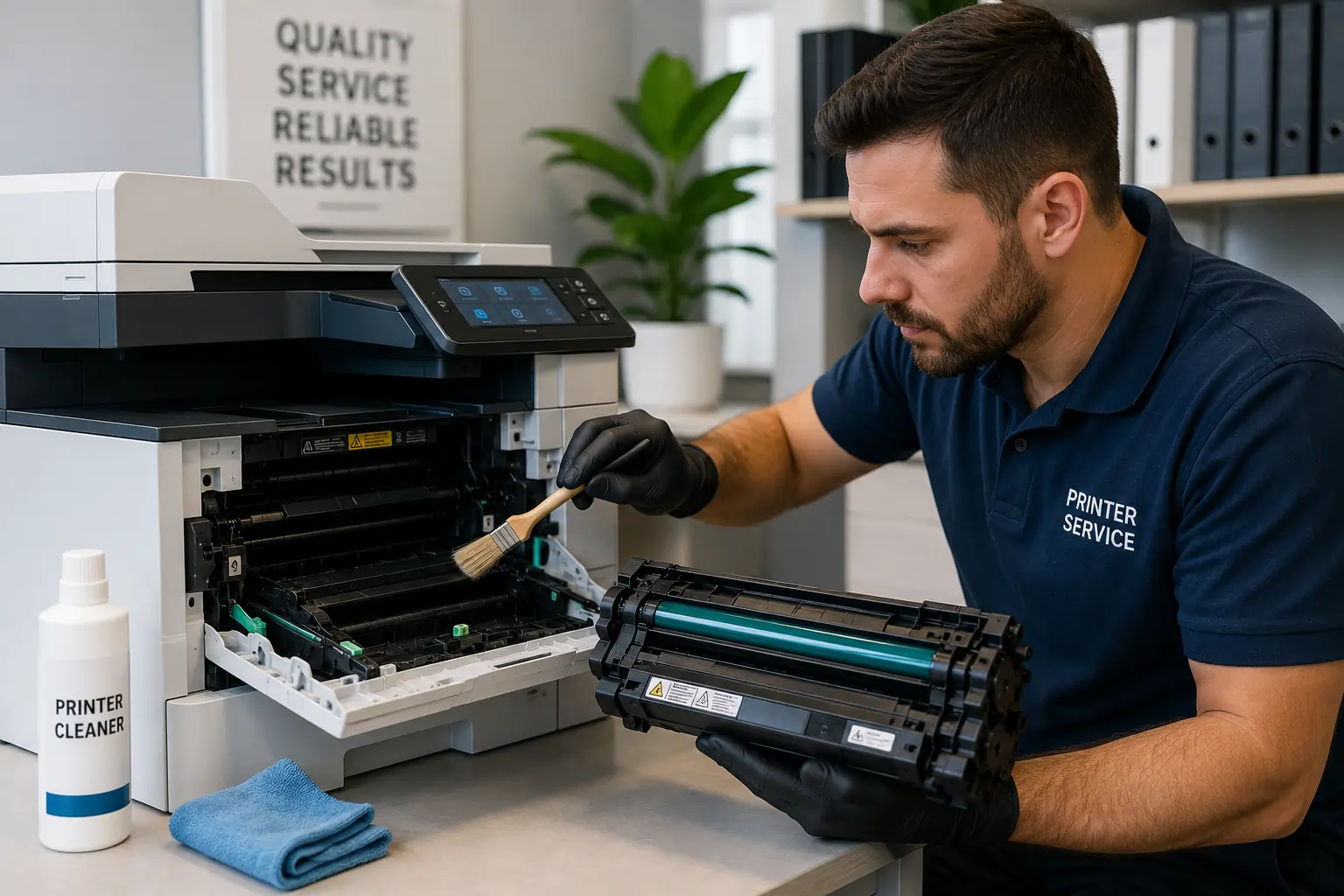
Dirty printers can damage toner cartridges over time.
Loose Toner and Dust Build Up Inside Printers
Buildup may affect:
- Rollers
- Drum systems
- Toner transfer
- Print quality
Routine Cleaning Helps Prevent Problems
Regular maintenance helps:
- Reduce toner contamination
- Improve cartridge performance
- Extend printer lifespan
Therefore, clean office printers help protect toner supplies and maintain better print quality.
Businesses looking for dependable toner cartridge solutions can explore products from Toner Connect.
Use High Quality Toner Cartridges
Cartridge quality directly affects reliability in busy office environments.
Low Quality Cartridges May Fail Faster
Cheap or poorly manufactured cartridges may cause:
- Toner leaks
- Print defects
- Compatibility problems
- Premature wear
Reliable Cartridges Improve Office Efficiency
Higher quality cartridges usually provide:
- Better durability
- More stable toner flow
- Cleaner printing
- Stronger page yield
As a result, investing in reliable toner supplies helps reduce office printing interruptions.
Avoid Overstocking Toner Inventory
Large offices sometimes purchase excessive toner inventory that sits unused for long periods.
Long Term Storage May Reduce Cartridge Value
Older cartridges may eventually face:
- Packaging deterioration
- Compatibility changes
- Reduced resale demand
Monitor Inventory Carefully
Businesses should track:
- Printer usage
- Cartridge demand
- Inventory turnover
Because of this, smarter inventory planning helps reduce toner waste.
Train Employees on Proper Toner Handling
Simple employee education can prevent many toner related problems.
Common Mistakes Employees Make
Office workers sometimes:
- Force cartridges into printers
- Touch sensitive drum surfaces
- Leave cartridges exposed
- Ignore low toner warnings
Basic Training Improves Cartridge Lifespan
Teaching proper toner handling helps:
- Reduce printer damage
- Improve print quality
- Lower maintenance costs
As a result, offices experience fewer printing disruptions.
Replace Damaged Cartridges Quickly
Using damaged toner cartridges may create larger printer problems.
Signs of Cartridge Damage
Watch for:
- Cracked housing
- Toner leakage
- Grinding noises
- Poor print quality
- Printer error messages
Damaged Cartridges May Affect Other Components
Continuing to use faulty cartridges may damage:
- Rollers
- Drum systems
- Internal printer mechanisms
Therefore, replacing damaged cartridges promptly helps protect the entire printer system.
Protect Toner Cartridges During Transportation
Offices with multiple departments or locations may frequently move toner supplies.
Use Protective Packaging
Cartridges should remain:
- Sealed
- Cushioned
- Properly boxed during transport
Avoid Extreme Temperatures
Toner cartridges should not remain in:
- Hot vehicles
- Damp storage areas
- Direct sunlight
Because of this, safe transportation practices help maintain cartridge condition.
Monitor Printer Usage Patterns

Heavy office printing environments benefit from tracking toner usage.
Print Monitoring Helps Reduce Waste
Businesses can identify:
- Excessive printing
- Unnecessary color printing
- Inefficient toner usage
Smarter Printing Habits Protect Cartridges
Using:
- Draft mode
- Duplex printing
- Print previews
helps reduce cartridge strain and toner waste.
As a result, offices improve both toner efficiency and operational costs.
Modern Printers Include Better Cartridge Protection Features
Modern laser printers now include:
- Toner monitoring systems
- Smart cartridge alignment
- Maintenance alerts
- Print optimization software
These technologies help reduce cartridge wear and improve printing reliability.
According to HP and Canon printer resources, proper toner storage, printer maintenance, and careful handling remain essential for extending toner cartridge lifespan in high volume office environments.
Conclusion
Protecting toner cartridges in busy office environments helps businesses improve print quality, reduce maintenance costs, and extend printer lifespan. By storing cartridges properly, handling toner carefully, maintaining clean printers, and training employees on smart printing habits, offices can reduce unnecessary toner damage while improving overall workflow efficiency. In addition, proper toner cartridge protection supports more reliable and cost effective long term office printing operations.