
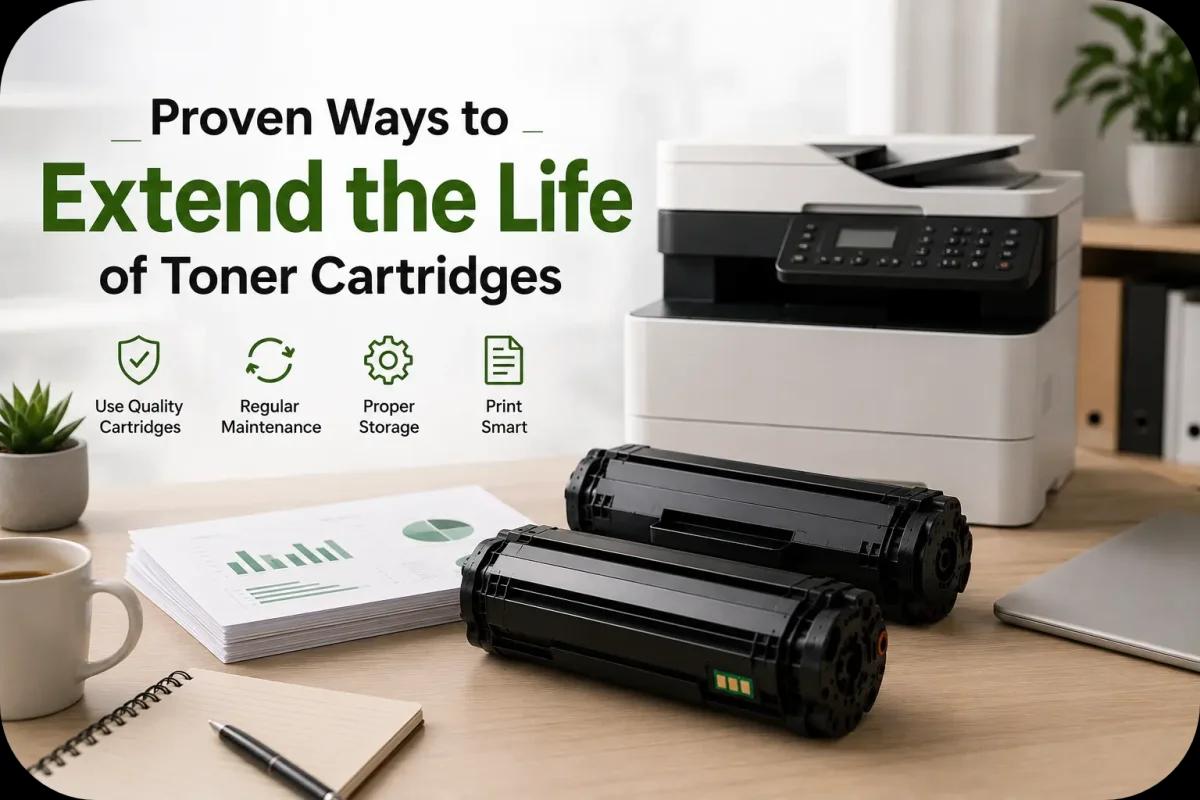
Proven Ways to Extend the Life of Toner Cartridges
Toner cartridges are an essential part of laser printing, but replacing them too often can quickly increase printing costs for both home users and businesses. Fortunately, there are several proven ways to extend the life of toner cartridges while maintaining strong print quality and reliable printer performance.
From proper storage and printer maintenance to smarter printing habits, small adjustments can help users maximize toner efficiency and reduce unnecessary cartridge replacements. In addition, extending toner cartridge lifespan can help lower office expenses and support more sustainable printing practices.
Whether you print occasionally at home or manage high volume office printing, understanding how to care for toner cartridges properly can improve both performance and long term value.
Why Toner Cartridge Lifespan Matters?
Toner cartridges directly affect:
- Print quality
- Office productivity
- Printing costs
- Printer maintenance
- Environmental impact
When toner cartridges wear out too quickly, businesses may experience:
- Higher supply expenses
- More workflow interruptions
- Increased printer downtime
- Additional maintenance needs
Because of this, maximizing toner cartridge lifespan helps improve overall printing efficiency.
Store Toner Cartridges Properly
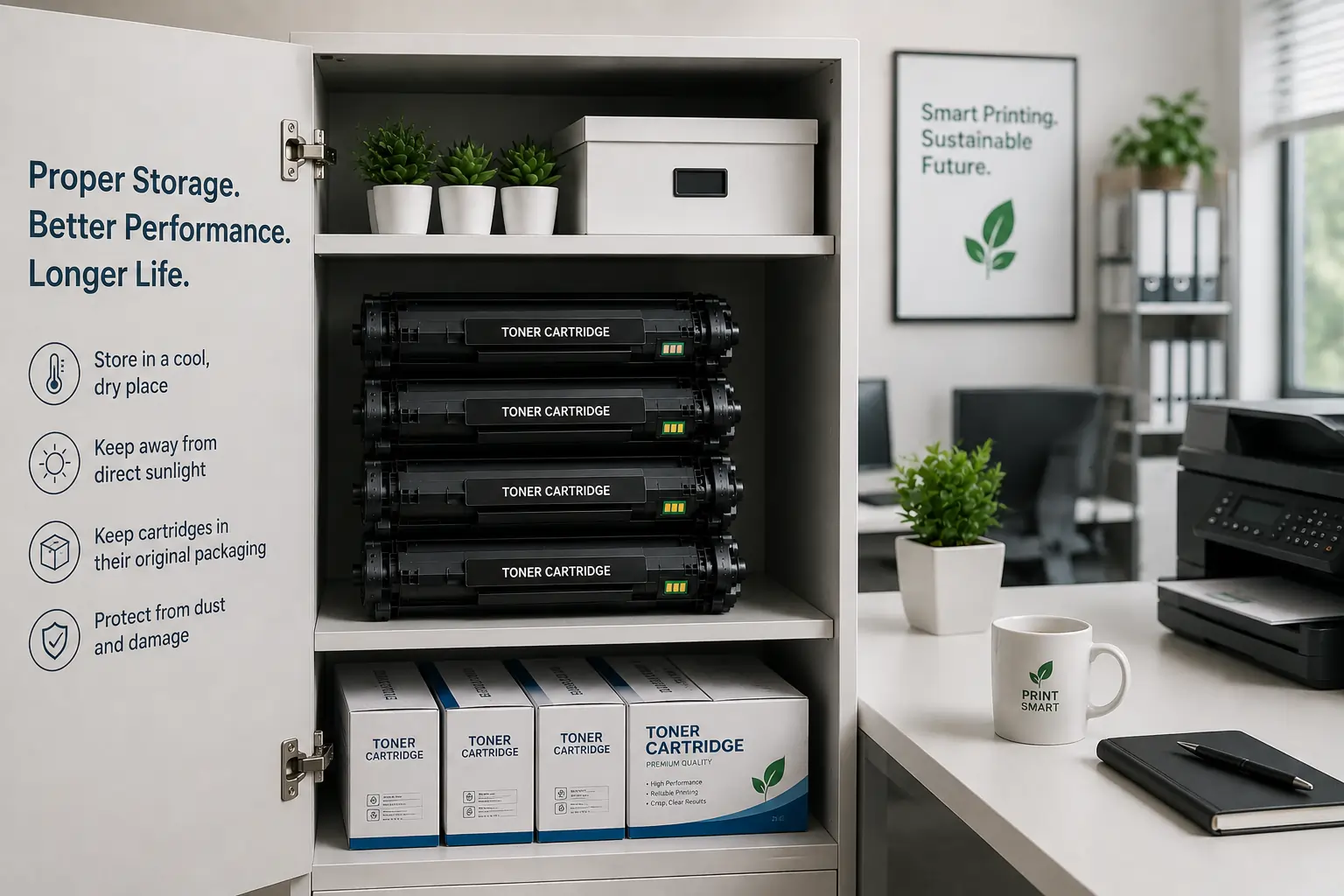
Proper storage is one of the most effective ways to extend toner cartridge life.
Keep Cartridges Away from Heat
Excessive heat may damage toner consistency and weaken cartridge seals. Therefore, cartridges should be stored away from:
- Direct sunlight
- Heaters
- Warm office equipment
Avoid Humidity
Humidity can affect toner powder and increase the risk of clumping or print quality issues.
Use Original Packaging
Original packaging helps protect toner cartridges from:
- Dust
- Moisture
- Physical damage
- Light exposure
Store Cartridges Flat
Keeping cartridges in their recommended position helps maintain proper toner distribution.
Print Smarter to Reduce Toner Usage
Printing habits greatly affect toner cartridge lifespan.
Use Draft Mode When Possible
Draft or toner saving modes use less toner for everyday documents.
Avoid Unnecessary Printing
Before printing, users should:
- Preview documents
- Remove unnecessary pages
- Print only what is needed
Reduce Heavy Graphics
Large images, dark backgrounds, and bold graphics consume more toner than basic text documents.
Therefore, lighter print designs may help extend cartridge life significantly.
Shake Toner Cartridges Carefully
When toner levels become low, gently shaking the cartridge side to side may temporarily redistribute remaining toner.
However:
- Avoid aggressive shaking
- Do not strike the cartridge
- Handle the cartridge carefully
Excessive force may damage internal components or create toner leaks.
Keep the Printer Clean
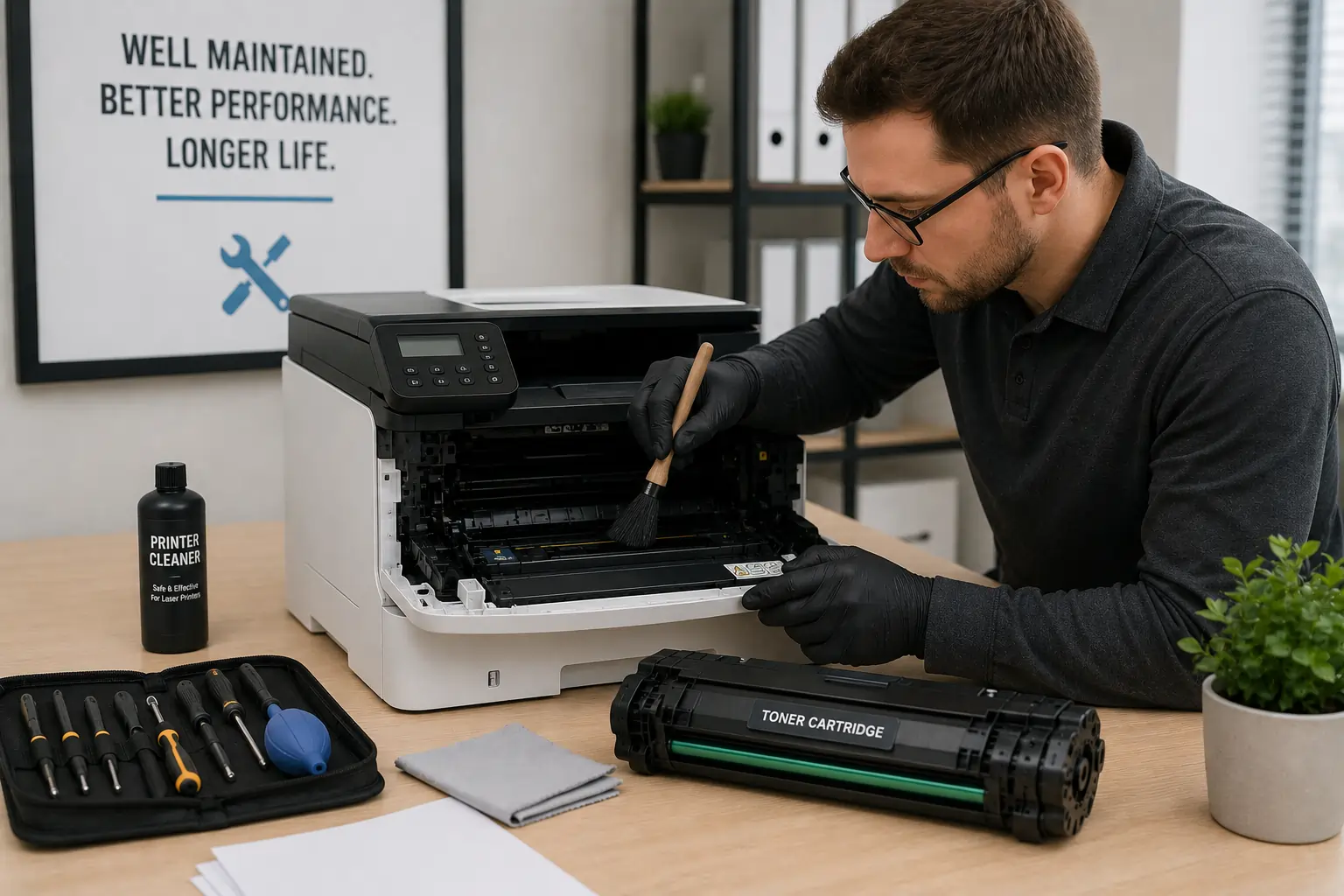
A clean printer helps toner cartridges perform more efficiently.
Remove Dust and Toner Buildup
Loose toner inside the printer may affect:
- Rollers
- Drum performance
- Toner transfer
- Print quality
Clean Printer Rollers
Dirty rollers may create streaks, paper jams, or uneven toner distribution.
Follow Manufacturer Maintenance Guidelines
Routine maintenance helps reduce unnecessary cartridge wear.
Because of this, regular cleaning supports longer cartridge lifespan and better print quality.
Use Quality Toner Cartridges
Low quality or counterfeit toner cartridges may fail earlier and create printer problems.
Buy from Trusted Suppliers
Reliable toner suppliers help reduce:
- Toner leaks
- Smudging
- Compatibility issues
- Premature cartridge failure
Choose Compatible Cartridges Carefully
High quality compatible cartridges often provide strong performance at lower costs when sourced from reputable suppliers.
Businesses and home users looking for dependable printing supplies can explore toner cartridge options from Toner Connect.
Protect the Drum Unit
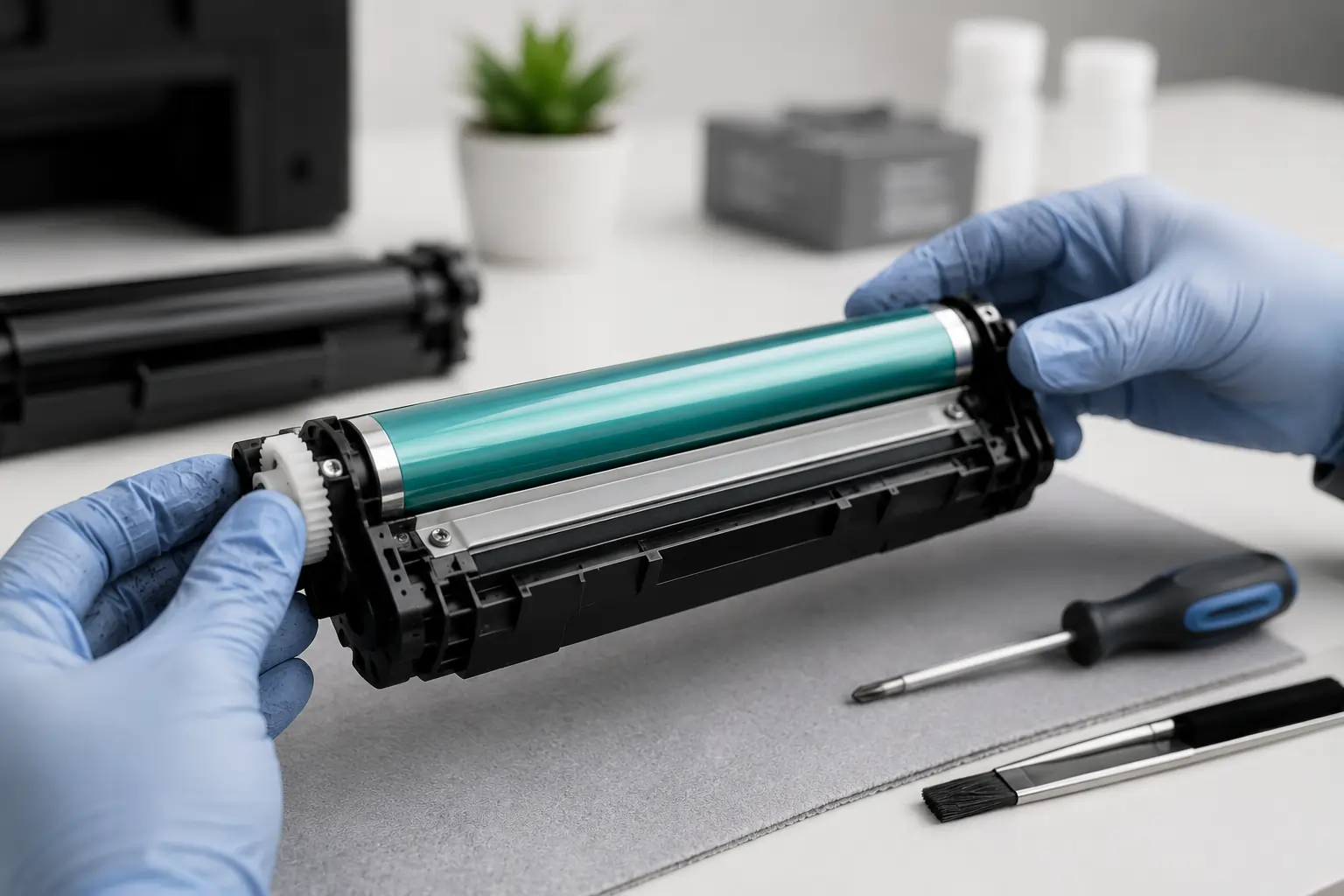
The drum unit is highly sensitive and plays a major role in print quality.
Avoid Touching the Drum Surface
Fingerprints and scratches may damage the drum and reduce cartridge performance.
Limit Light Exposure
Extended exposure to bright light may affect drum sensitivity.
Handle Cartridges Carefully During Installation
Rough handling may damage internal cartridge components.
Therefore, careful cartridge handling helps maintain better print reliability.
Use the Correct Paper Type
Paper quality can affect toner usage and printer performance.
Choose Laser Printer Paper
Laser compatible paper supports proper toner bonding and cleaner printing.
Avoid Damp Paper
Moisture may increase toner smudging and uneven toner transfer.
Use Smooth Paper Surfaces
Low quality paper may increase toner waste and print defects.
Because of this, selecting proper paper helps improve toner efficiency.
Prevent Environmental Damage
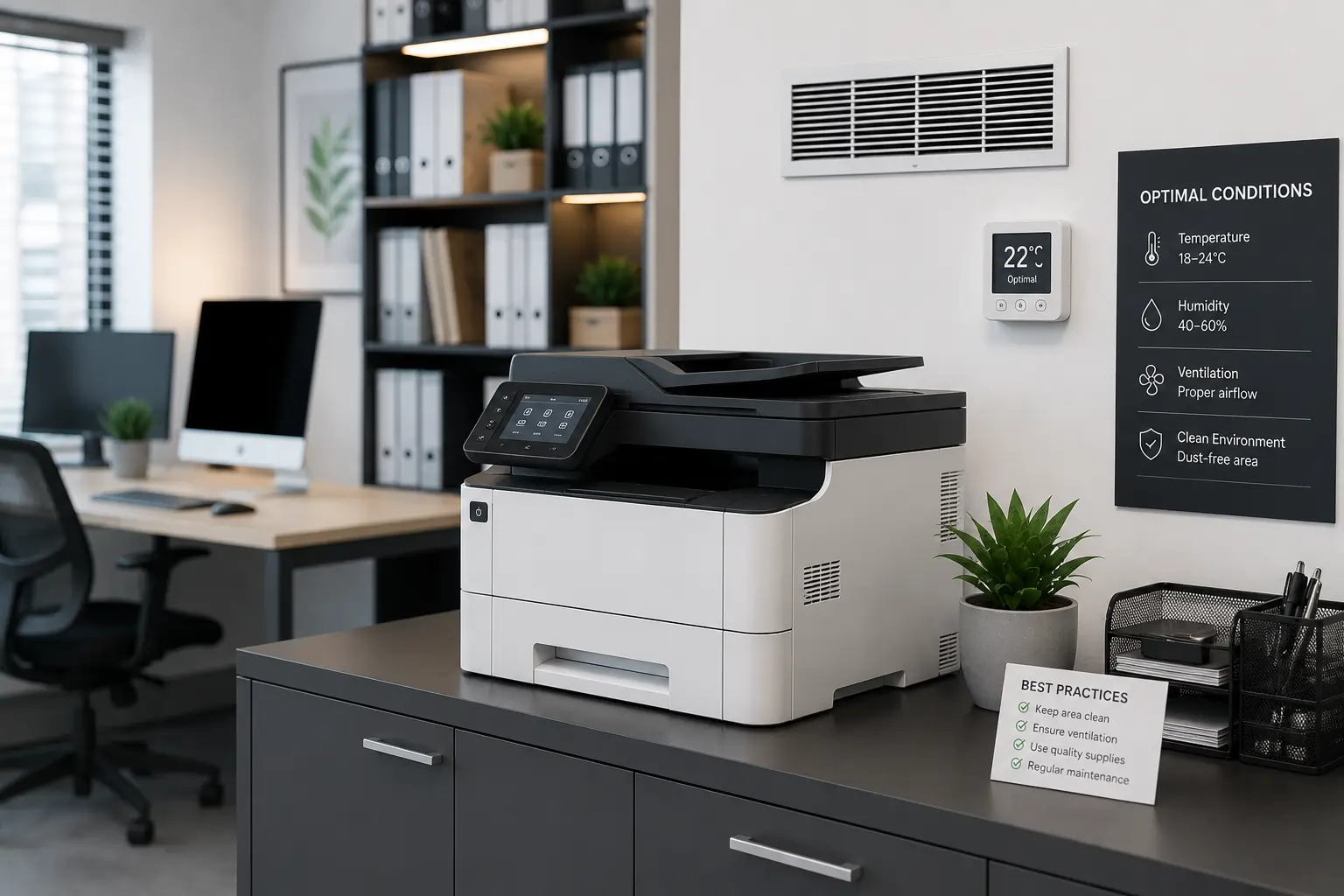
Environmental conditions directly affect toner cartridge lifespan.
Maintain Stable Room Temperatures
Extreme temperature changes may affect toner consistency.
Ensure Proper Ventilation
Good airflow helps reduce printer overheating during large print jobs.
Avoid Dusty Environments
Dust buildup may interfere with toner transfer systems and internal printer parts.
As a result, stable office conditions help support longer cartridge performance.
Replace Worn Printer Components
Old printer components may increase toner consumption unnecessarily.
Worn Rollers
Damaged rollers may create:
- Streaks
- Misfeeds
- Uneven toner transfer
Faulty Fuser Units
A worn fuser may cause toner smearing and print defects.
Dirty Sensors
Sensors help printers monitor cartridge performance and paper movement.
Regular maintenance helps printers operate more efficiently and reduces cartridge stress.
Common Mistakes That Shorten Toner Cartridge Life
Some user habits may reduce toner cartridge lifespan significantly.
Using Incorrect Printer Settings
High quality print settings use more toner than necessary for basic documents.
Ignoring Maintenance
Skipping printer cleaning may lead to toner buildup and print quality problems.
Buying Counterfeit Cartridges
Low quality counterfeit cartridges often fail earlier and may damage printers.
Improper Cartridge Storage
Poor storage conditions may affect toner quality even before installation.
Therefore, proper toner care remains important throughout the cartridge lifecycle.
Modern Printing Technology Helps Extend Cartridge Life
Modern laser printers now include features designed to improve toner efficiency.
Features Include:
- Toner saving modes
- Smart toner monitoring
- Print optimization systems
- Automatic maintenance alerts
- Cartridge efficiency tracking
These technologies help users manage toner usage more effectively.
According to HP and Brother printer maintenance resources, proper maintenance and efficient printing habits remain essential for maximizing toner cartridge lifespan.
Conclusion
Extending the life of toner cartridges starts with proper storage, smart printing habits, regular printer maintenance, and quality toner supplies. By following these proven practices, home users and businesses can reduce printing costs, improve printer reliability, and maintain consistent print quality over time. In addition, longer lasting toner cartridges help support more efficient and environmentally responsible printing practices.